

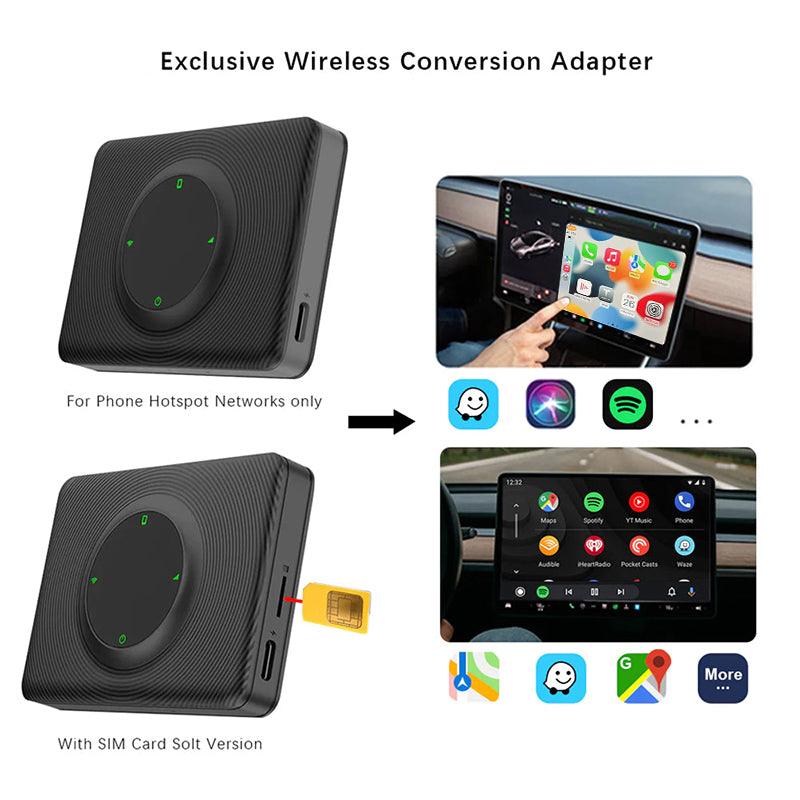
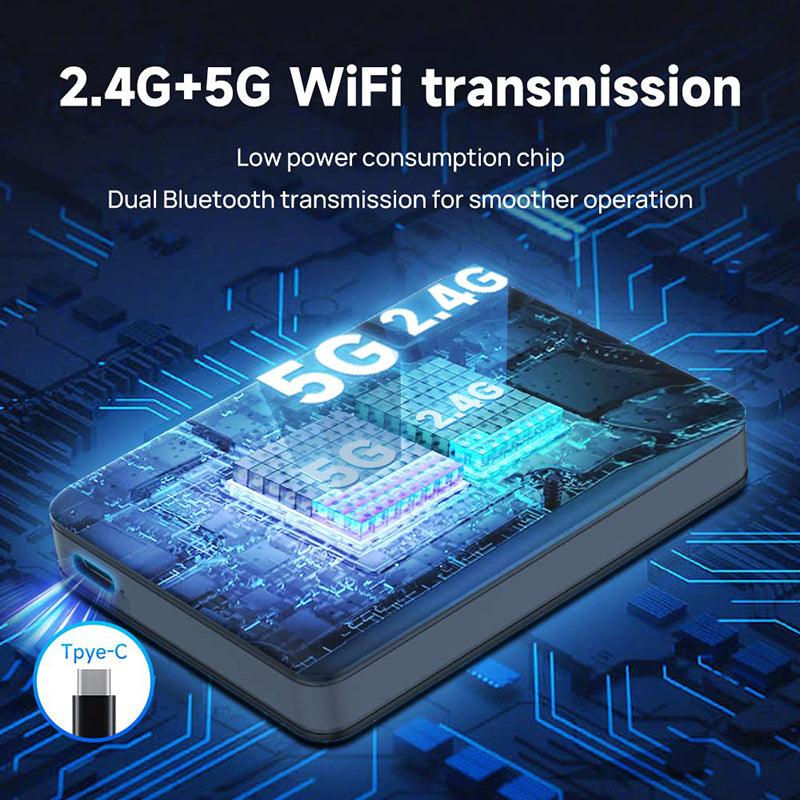

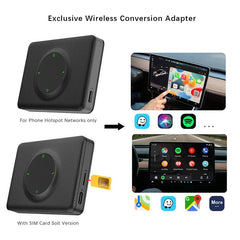
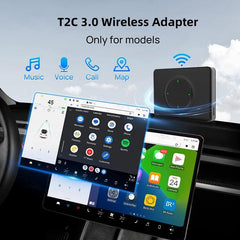
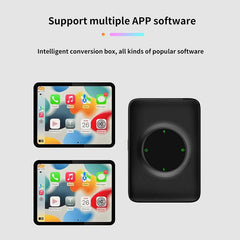
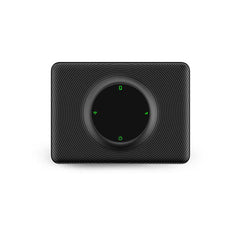



Vă rugăm să rețineți: 4G (pentru zona Europa/Asia) / 4G (pentru zona America de Nord) suportă inserarea cardului SIM.
Versiunea Wi-Fi nu suportă inserarea cardului SIM.
Caracteristici:
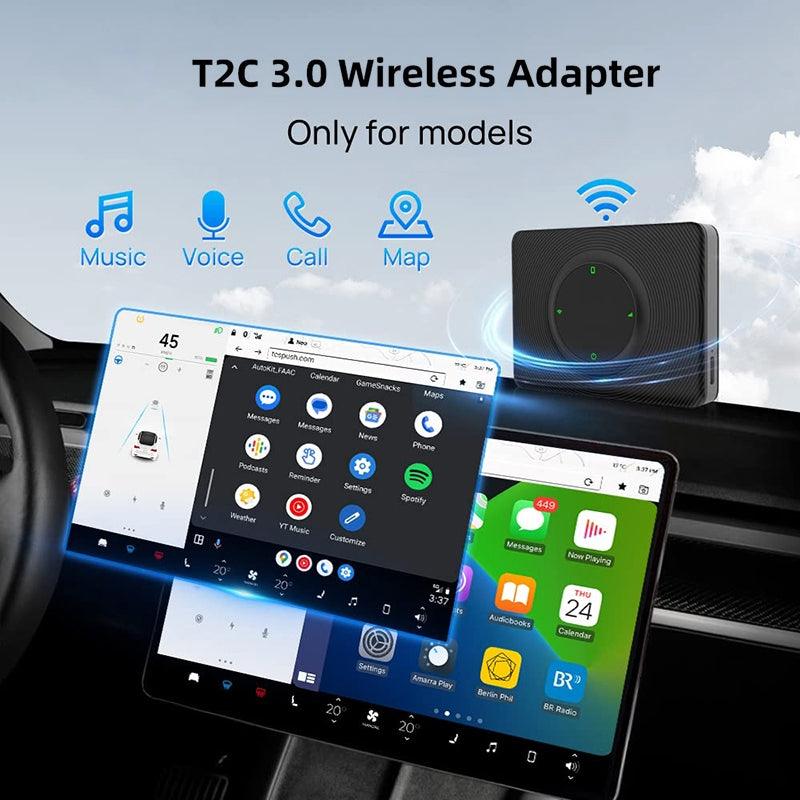
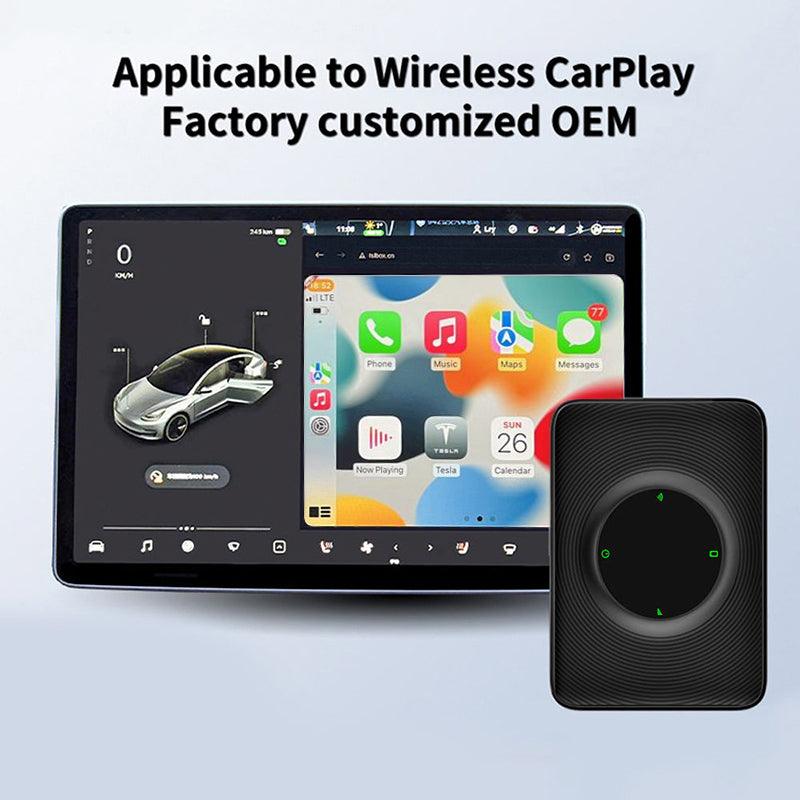
- Model compatibil: Potrivit pentru Tesla Model 3/Y (2018-2024)
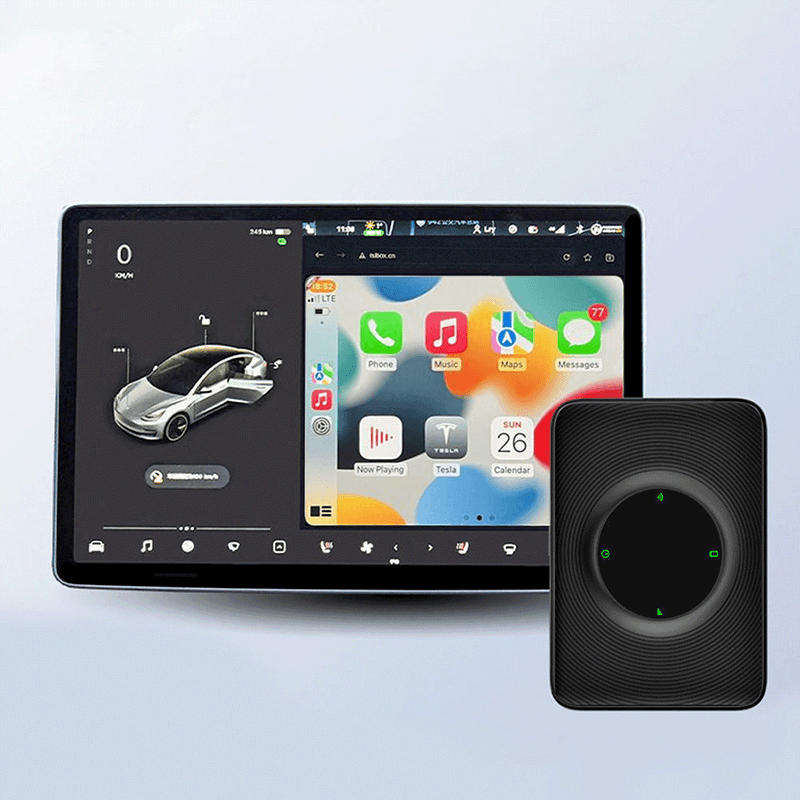
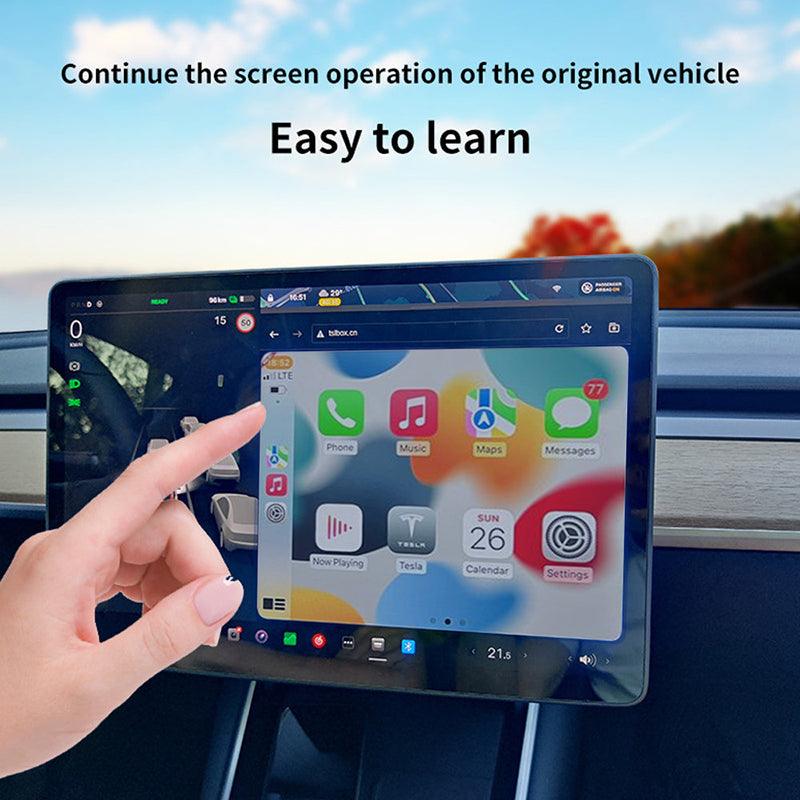
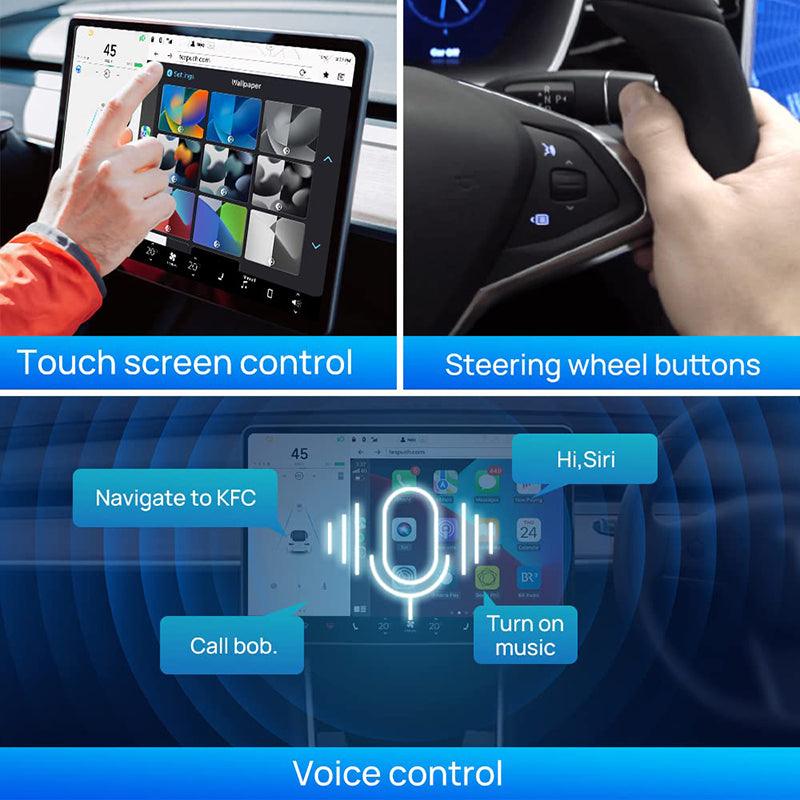
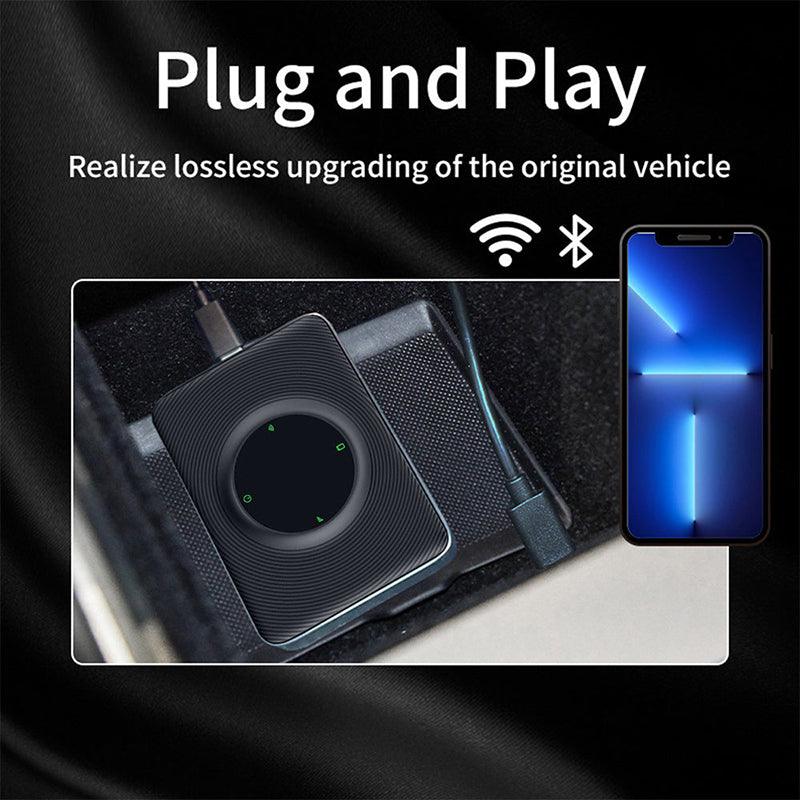
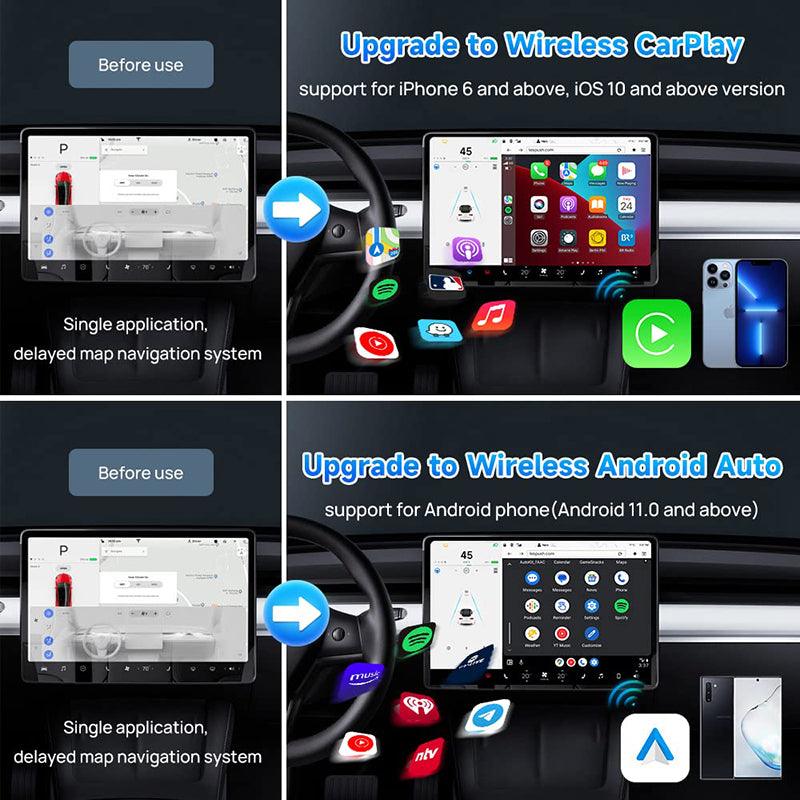
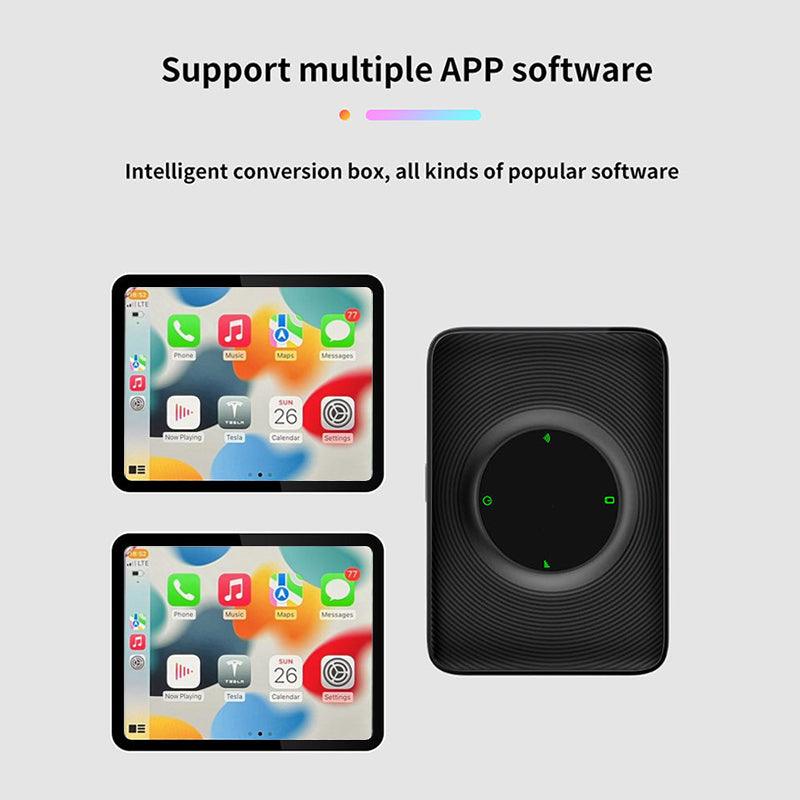
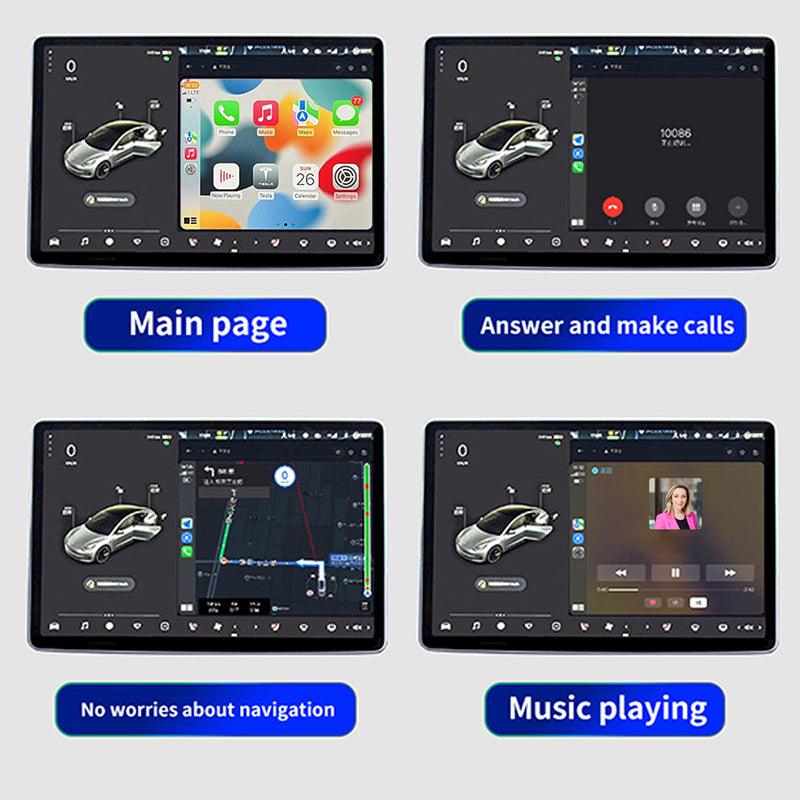
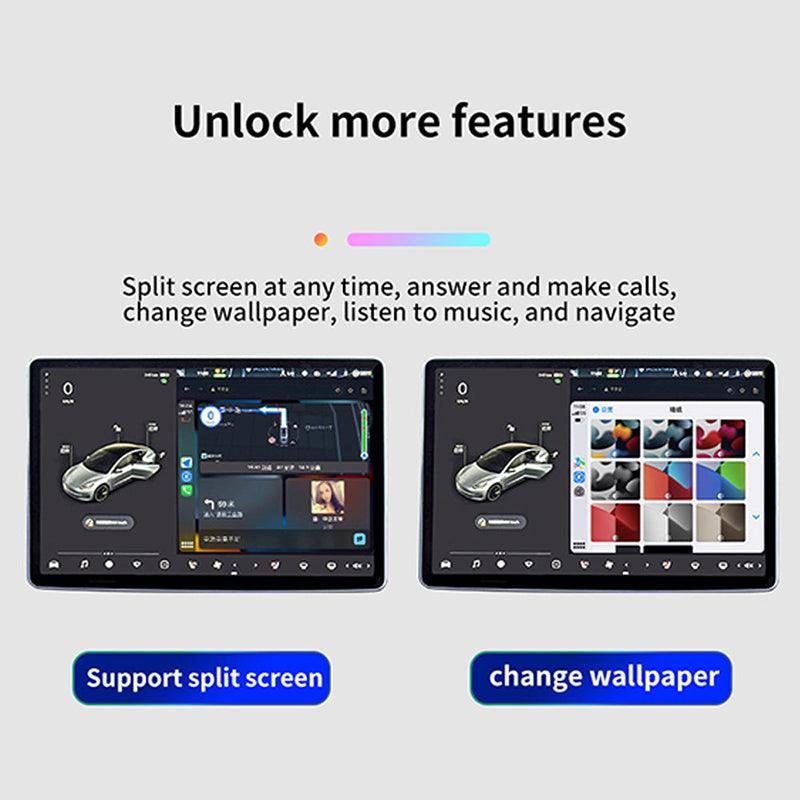
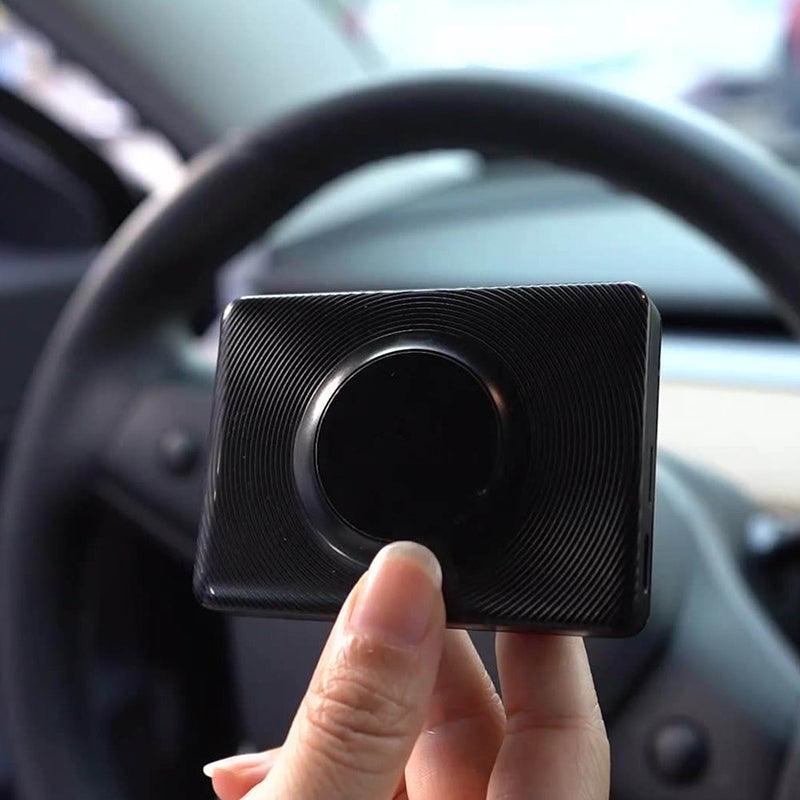
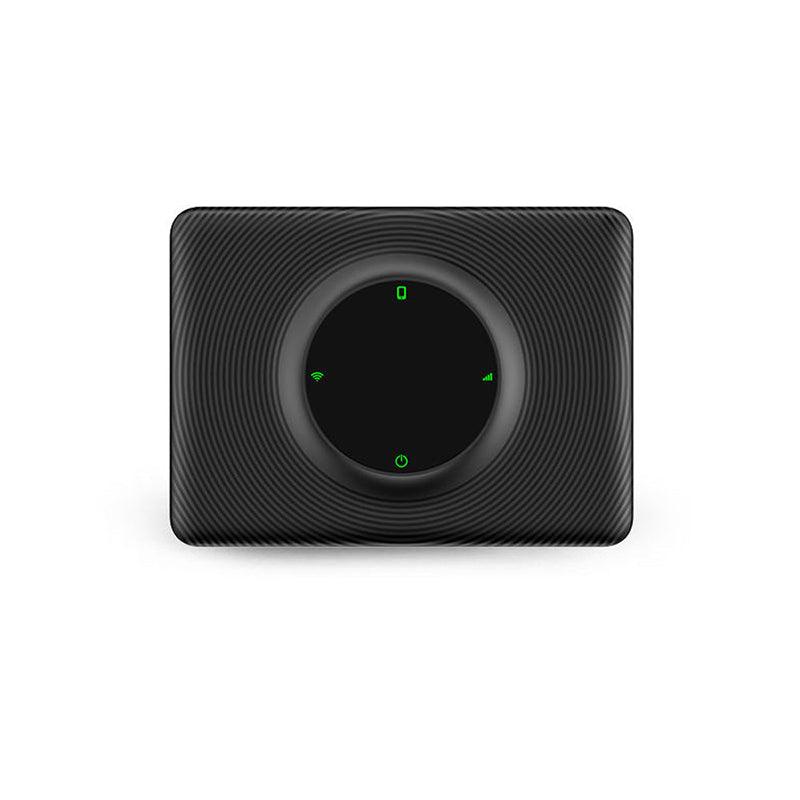
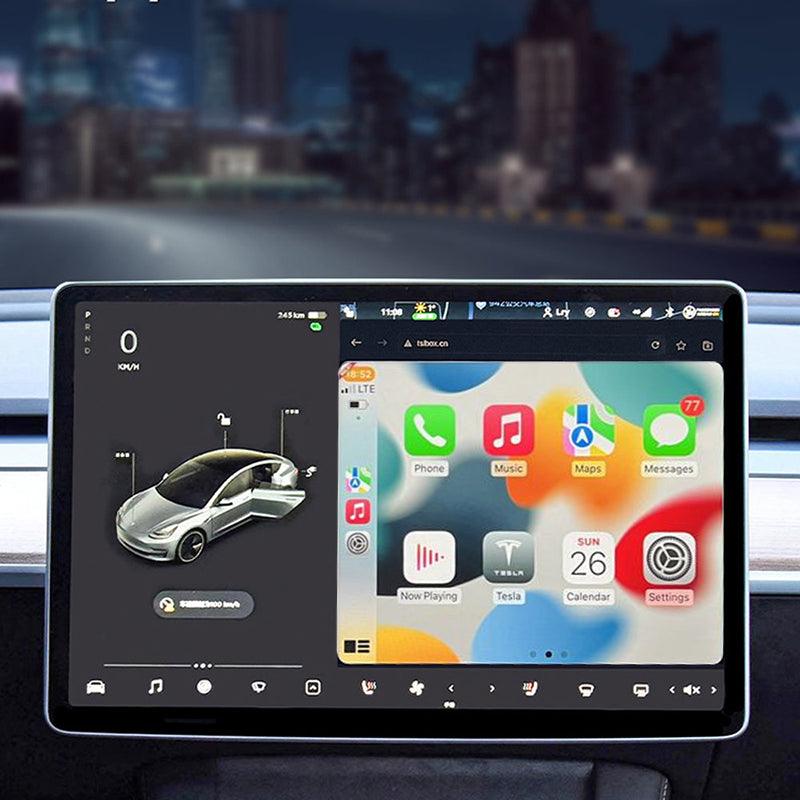
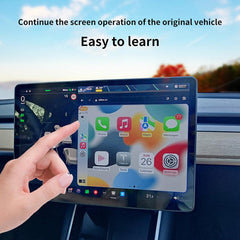
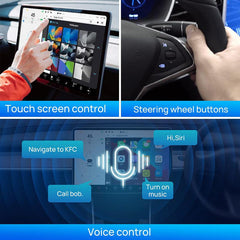
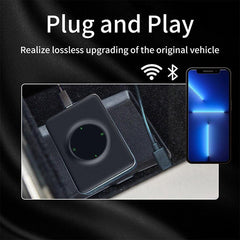
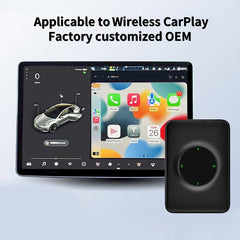
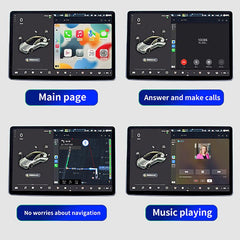
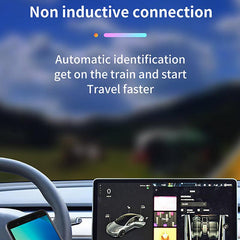
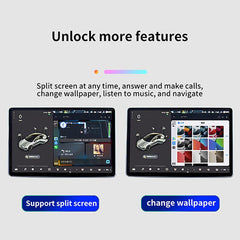
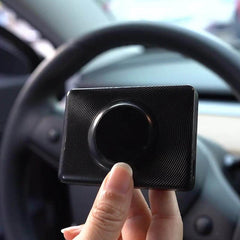
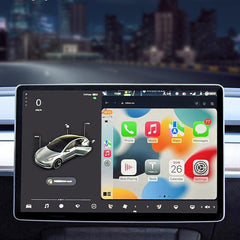
- Funcție: Carplay se conectează wireless la ecranul principal Tesla, dar avem și un slot pentru card SIM; dacă doriți să inserați un card SIM, puteți folosi un card SIM, iar dacă doriți să folosiți Carplay wireless, puteți utiliza o conexiune hotspot. Puteți efectua apeluri și utiliza aplicațiile preferate, navigația, Sat NAV și multe altele disponibile pe ecranul principal Tesla.
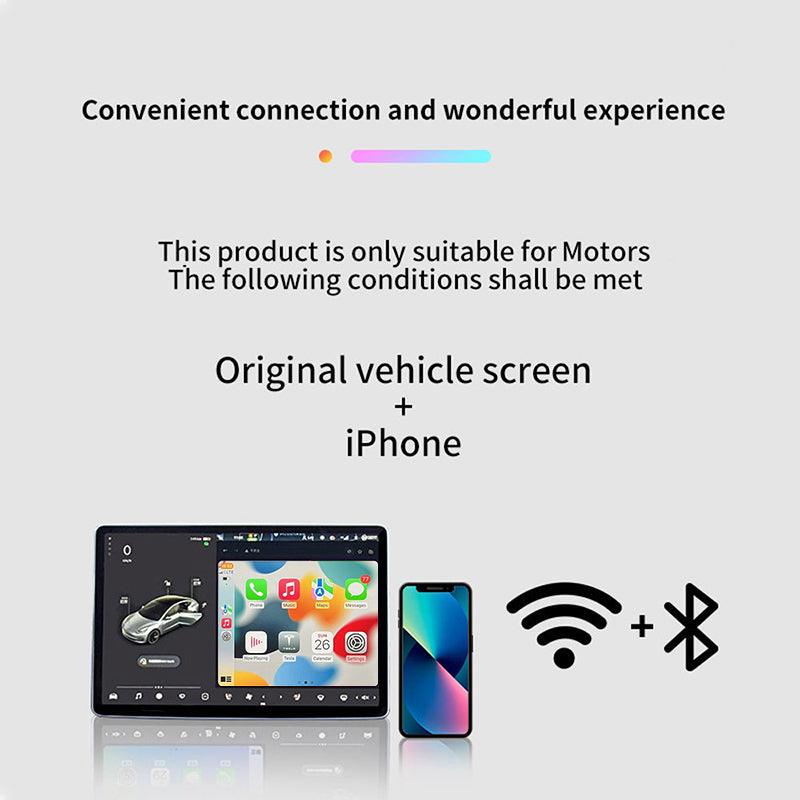
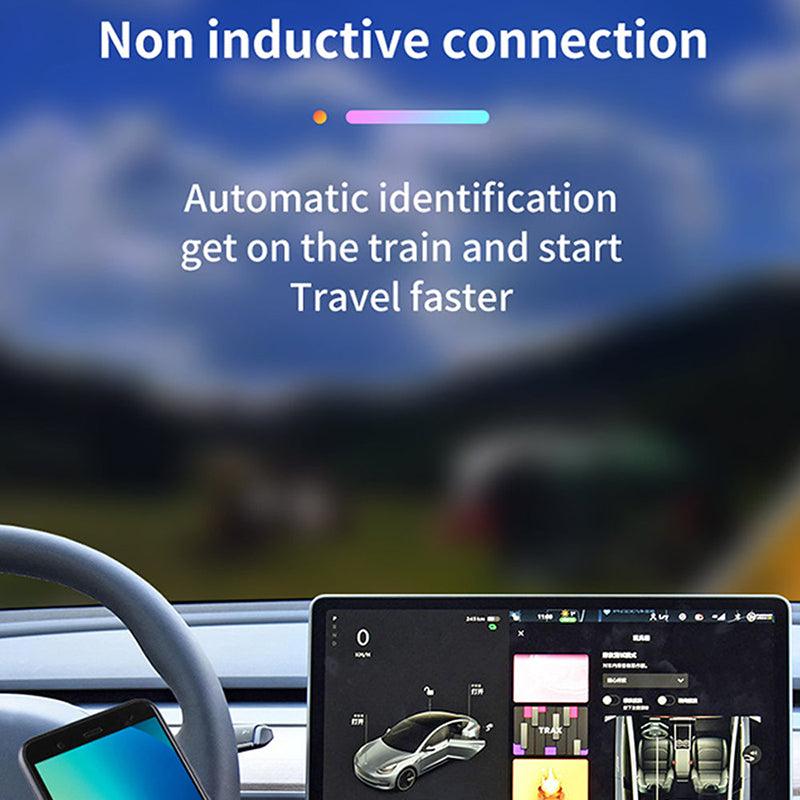
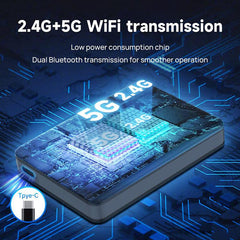
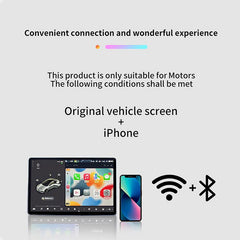
- Metodă de conectare: partajați Wi-Fi-ul telefonului în Carplay, conectați Tesla la ECarplay cu cablul USB și apoi bucurați-vă de Carplay wireless. Simplu și economisitor! Hotspot Wi-Fi wireless + Bluetooth, transferați la Carplay prin hotspot-ul mobil, iar Carplay Wi-Fi se conectează la ecranul principal Tesla.
- Dacă anul modelului dvs. este anterior anului 2018, următoarele condiții trebuie să fie îndeplinite atunci când utilizați acest Carplay: 1. Este necesar suport pentru browser. Este necesar suport Wi-Fi (mașinile mai vechi pot să nu poată căuta semnale 5G, așa că trebuie să comutați la 2.4G pentru conexiunea dispozitivului mobil). Browserul Tesla trebuie să fie actualizat la Chrome 94 sau o versiune mai nouă.
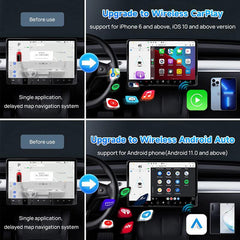
- Suport pentru iPhone 6 și versiuni mai noi cu iOS 10 sau mai recent. Suport pentru telefoane Android cu Android 11.0+.
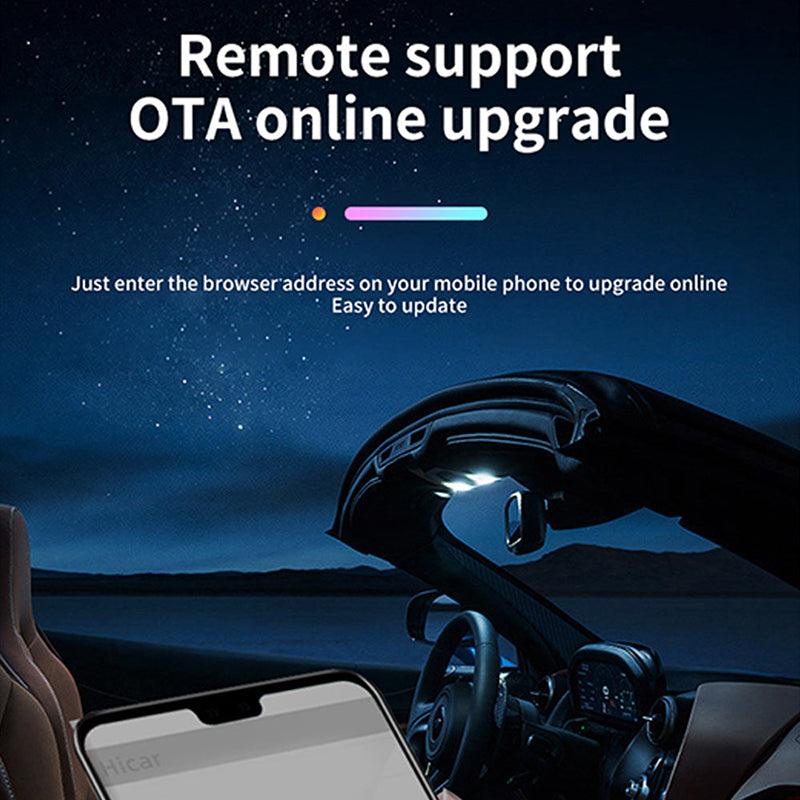
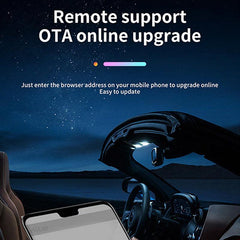
Notă: 1-Șoferii Tesla ar trebui să se concentreze asupra drumului chiar și atunci când modelul Tesla Autopilot este activ. 2-pentru versiunea de upgrade, vă rugăm să folosiți tespush.com pentru a vă conecta, nu testbox.cn. 3-Când îl utilizați pentru prima dată, vă rugăm să setați aplicația din telefon pentru a permite Carplay. Faceți clic pe Setări aplicație - General - Carplay - MutiCarplay - Personalizat - Selectați aplicația pe care doriți Carplay. Trimiteți acum cea mai recentă versiune de upgrade.

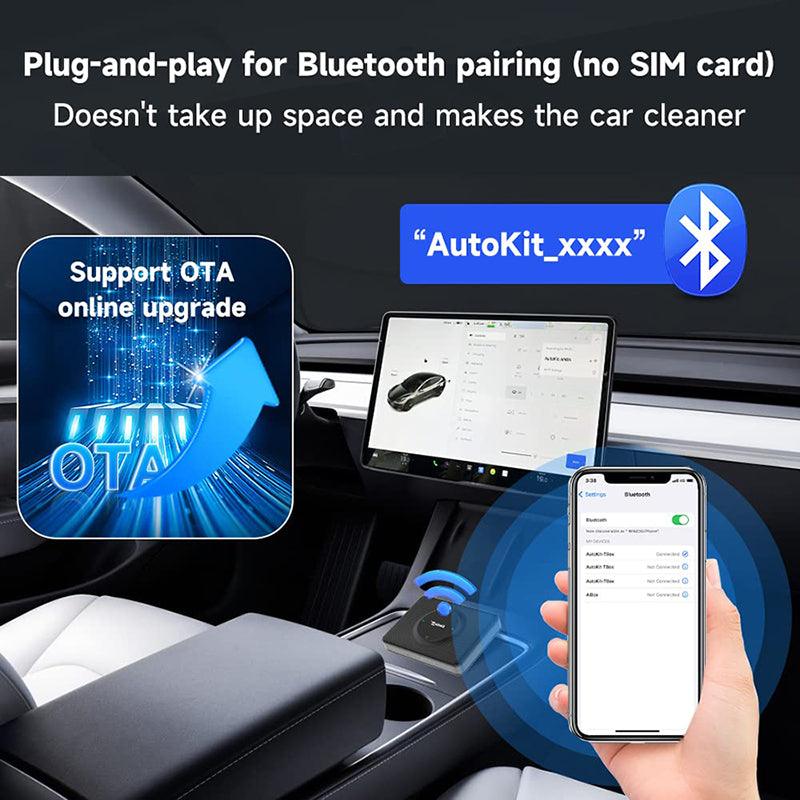
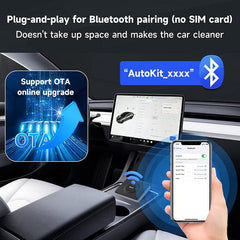
T2C 3.0 suportă conexiunea prin semnal Bluetooth, nu suportă conexiunea prin card SIM

Cum să obțineți funcția Carplay wireless cu telefonul Apple? (conexiune Bluetooth)

Cum să obțineți Android Auto wireless cu telefonul Android? (conexiune Bluetooth)


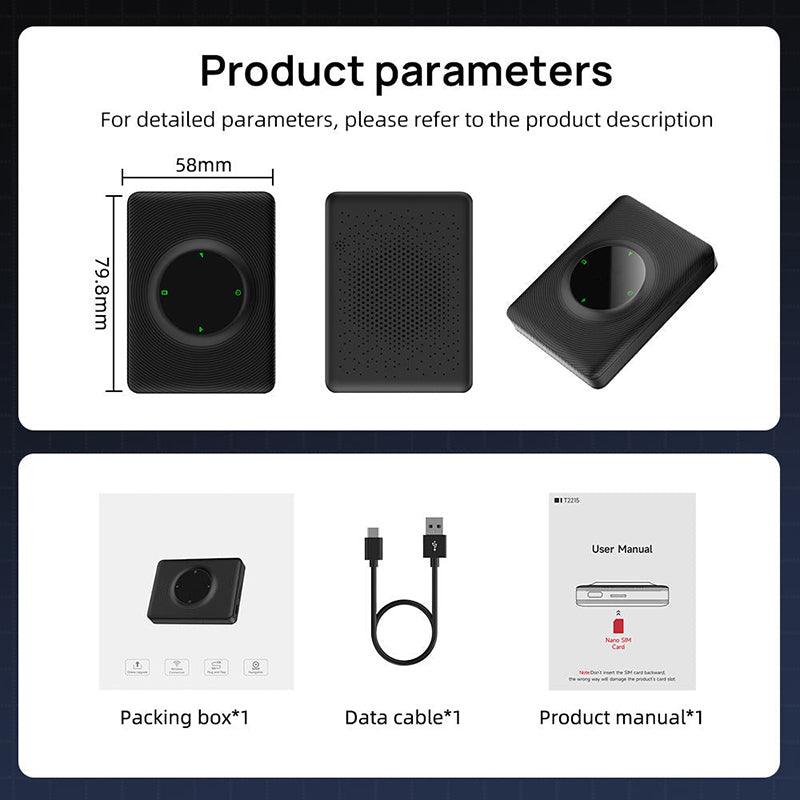
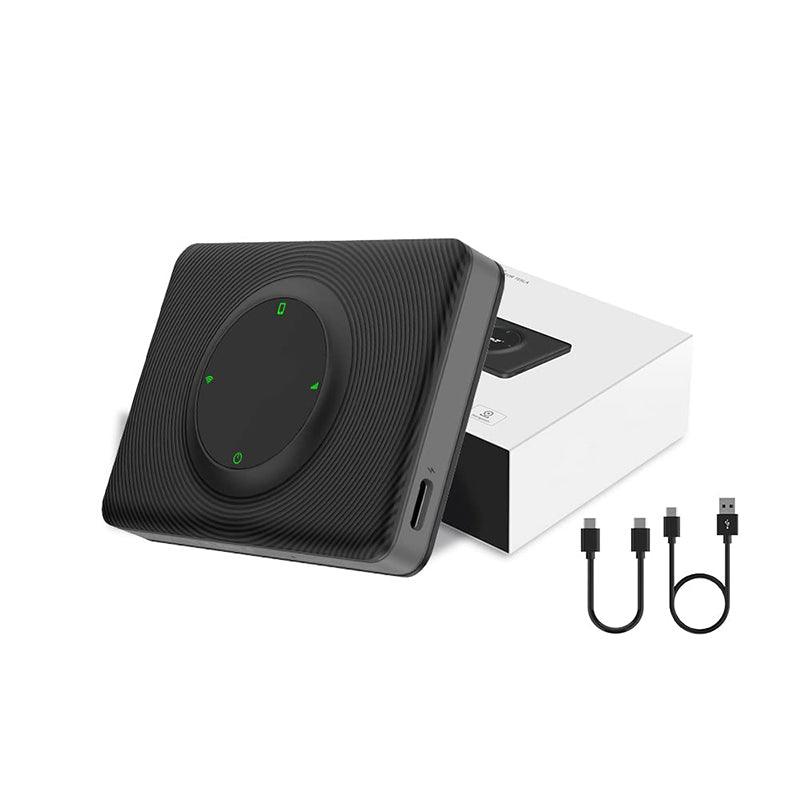
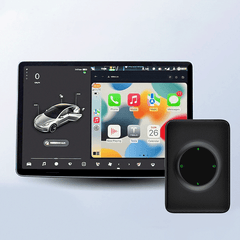
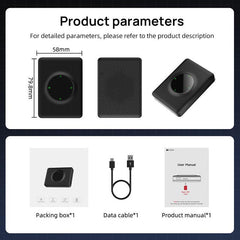
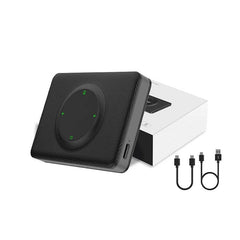
Lista pachetului: 1* cutie multimedia iOS Carplay 1* cablu USB C pentru a vă conecta la mașină 1* manual de utilizare
Shipping Policy
Shipping time depends on the product.
Free shipping on all orders $59+ worldwide!
For all orders under $59, the shipping fee is $7.99.
| Product Type | Handling Time | Shipping time |
| Fast Shipping Products | 0-1 calendar days | 3-6 calendar days |
| Standard Products | 1-2 calendar days | 6-12 calendar days |
| Customized Products | 3-5 calendar days | 6-12 calendar days |
We will make every effort to deliver your package ASAP. However, additional time may be required due to invalid addresses and custom clearance issues. We have many cooperative express companies, such as DHL, FedEx, UPS, and USPS. We will choose the most suitable mode of transportation for you according to your country.
Refund Policy
We have a 30-day return policy, which means you have 30 days after receiving your item to request a return.
To be eligible for a return, your item must be in the same condition that you received it, unworn or unused, with tags, and in its original packaging. You’ll also need the receipt or proof of purchase.
To start a return, you can contact us at support@evooor.com.
If your return is accepted, we’ll send you a return shipping label, as well as instructions on how and where to send your package. Items sent back to us without first requesting a return will not be accepted.
You can always contact us for any return question at support@evooor.com.
Damages and issues
Please inspect your order upon reception and contact us within 7 days if the item is defective, damaged or if you receive the wrong item, so that we can evaluate the issue and make it right. (Photos of defective or damaged products are required.)
Exchanges
The fastest way to ensure you get what you want is to return the item you have, and once the return is accepted, make a separate purchase for the new item.
European Union 14 day cooling off period
Notwithstanding the above, if the merchandise is being shipped into the European Union, you have the right to cancel or return your order within 14 days, for any reason and without a justification. As above, your item must be in the same condition that you received it, unworn or unused, with tags, and in its original packaging. You’ll also need the receipt or proof of purchase.
Return Fee
Customers are not required to pay for return shipping if a product is returned because it is "broken, missing, or wrong." If the product is returned due to "bought wrong, I don't want it anymore", the customer shall bear the return shipping cost, and the actual shipping cost will be deducted from the refund. In either case, there is no restocking fee for returns.
Refunds
We will notify you once we’ve received and inspected your return, and let you know if the refund was approved or not. If approved, you’ll be automatically refunded on your original payment method within 3 business days. Please remember it can take some time for your bank or credit card company to process and post the refund too.
If more than 15 business days have passed since we’ve approved your return, please contact us at support@evooor.com.
- Alegerea unei selecții are ca rezultat o reîmprospătare a întregii pagini.