

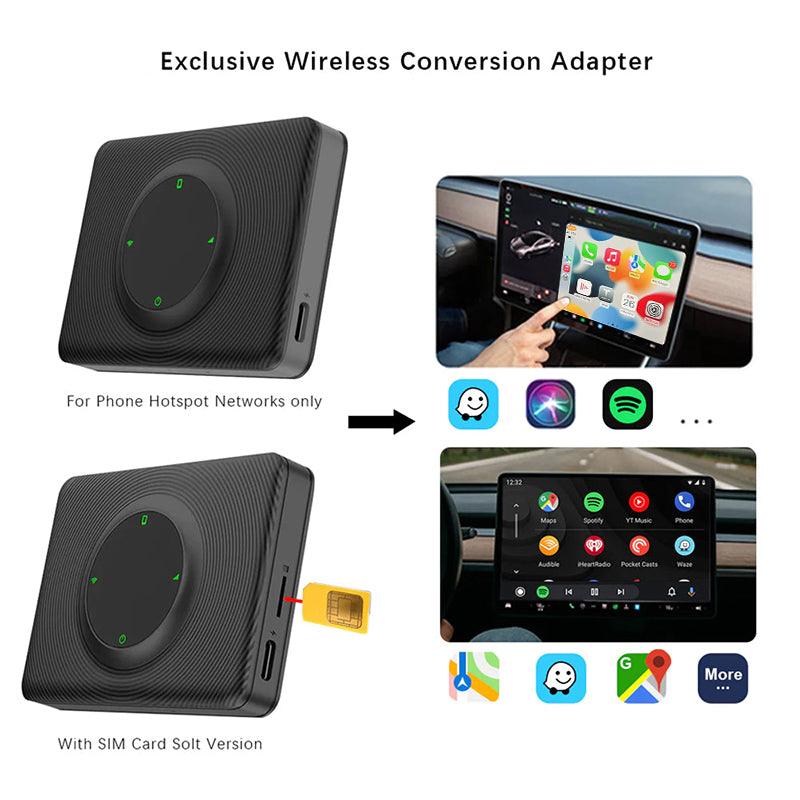
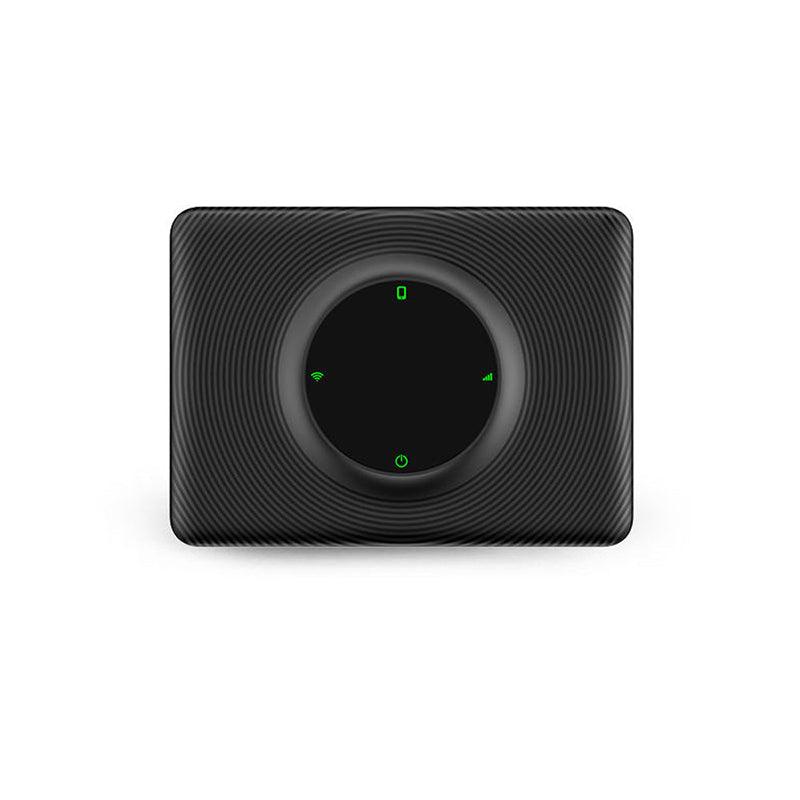

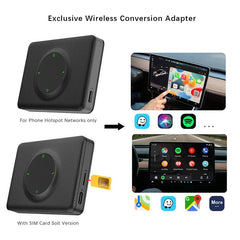
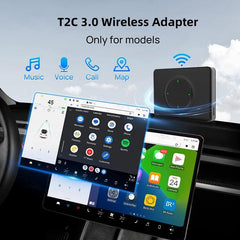
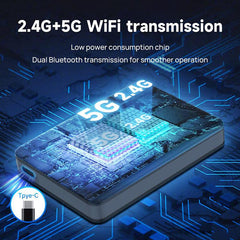
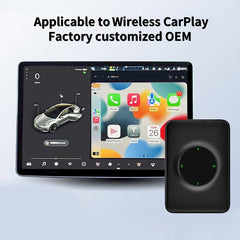
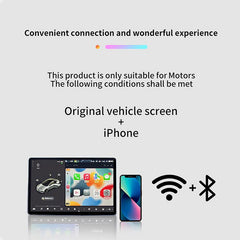
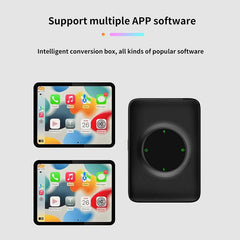
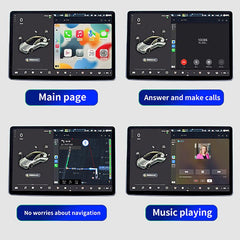
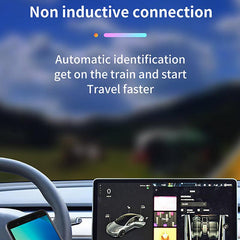
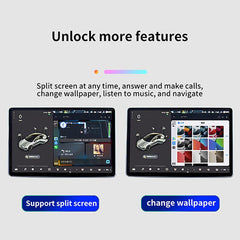
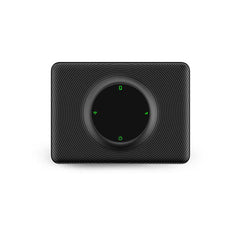



Bitte bemierkt: 4G (Fir Europa/Asien) / 4G (Fir Nordamerika) ënnerstëtzt SIM-Kaart-Insertioun.
D'Wi-Fi Versioun ënnerstëtzt keng SIM-Kaart-Insertioun.
Features:
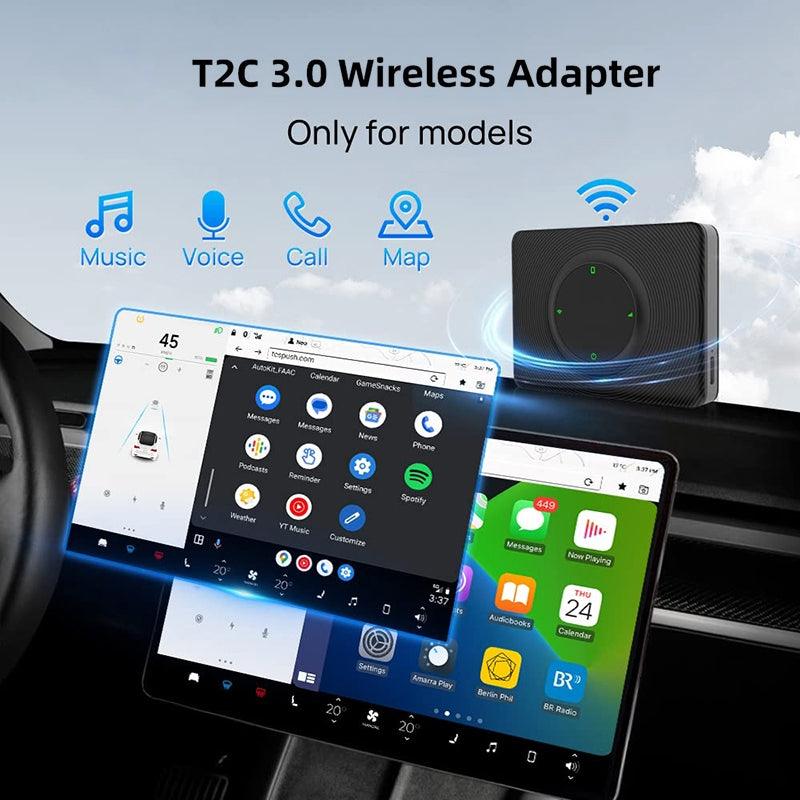
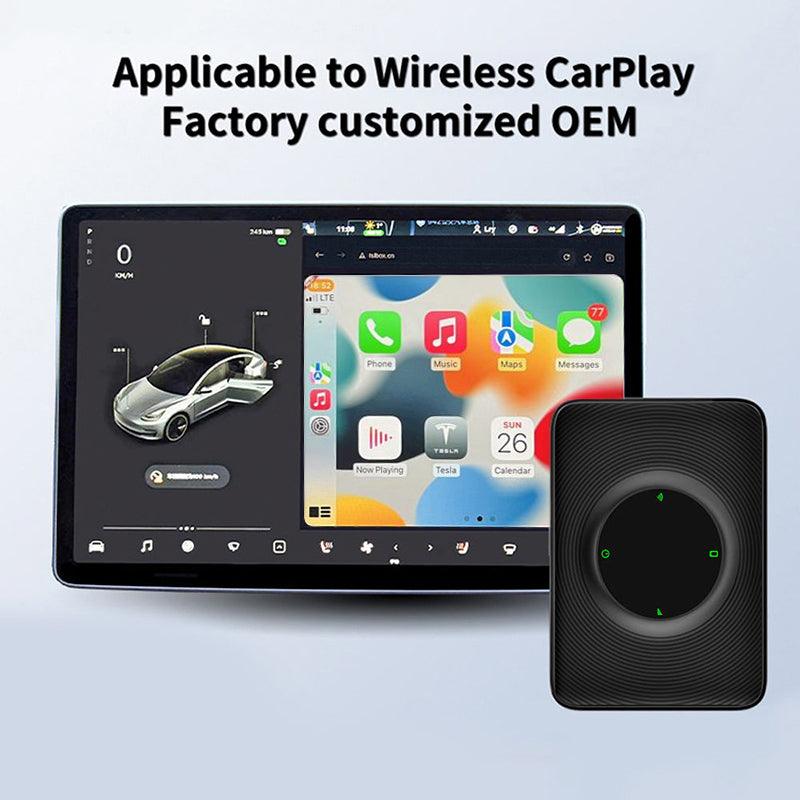
- Kompatibel Modell: Gëeegent fir Tesla Modell 3/Y (2018-2024)
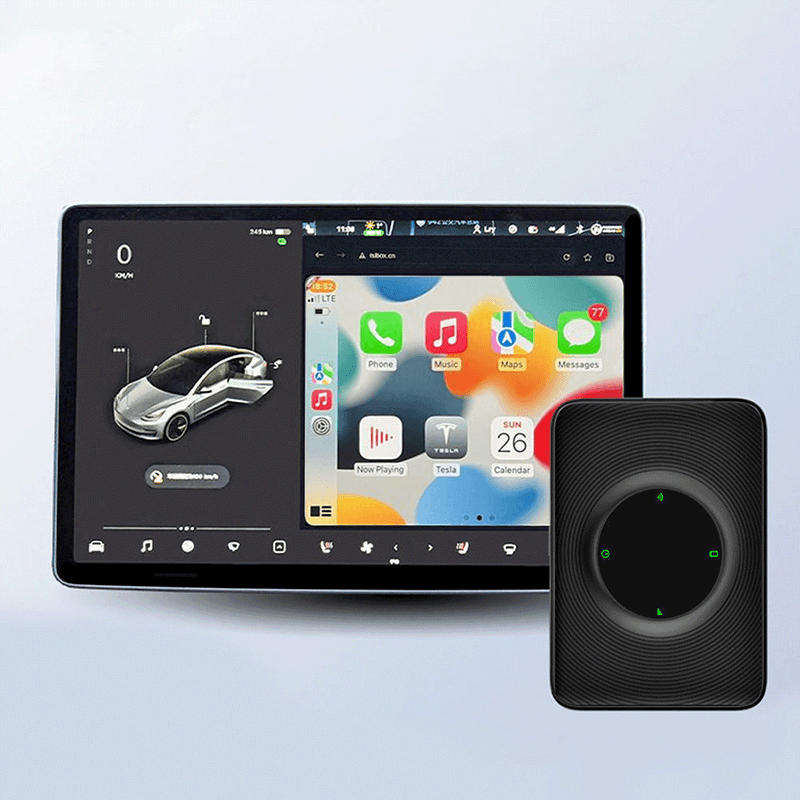
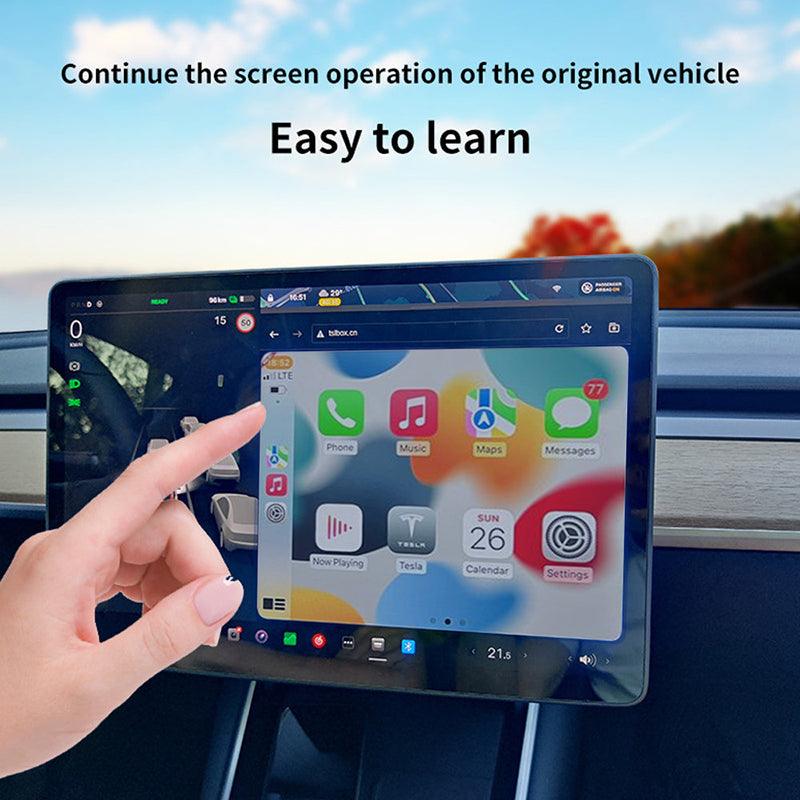
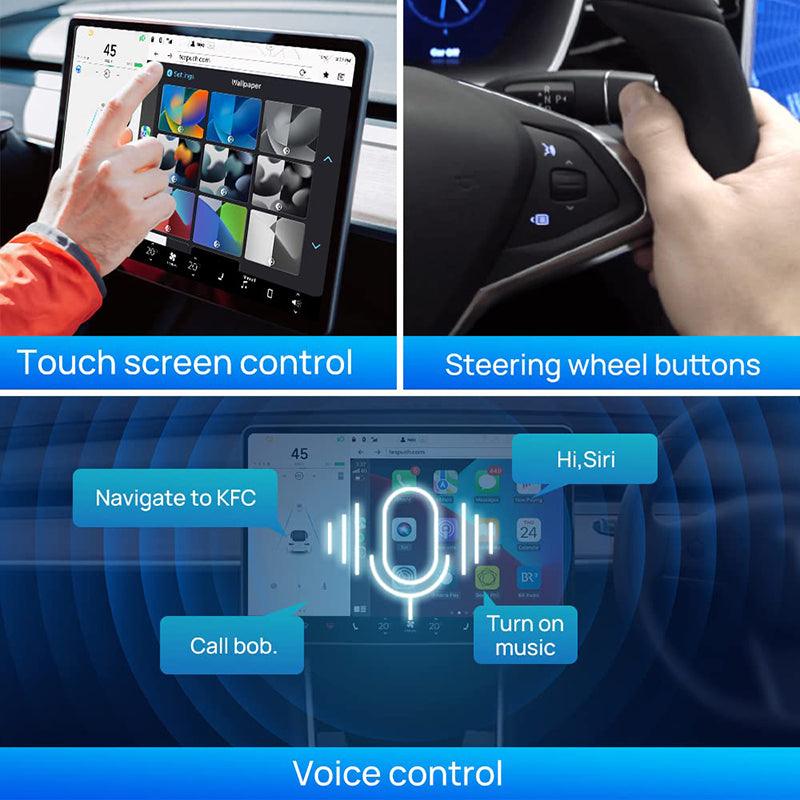
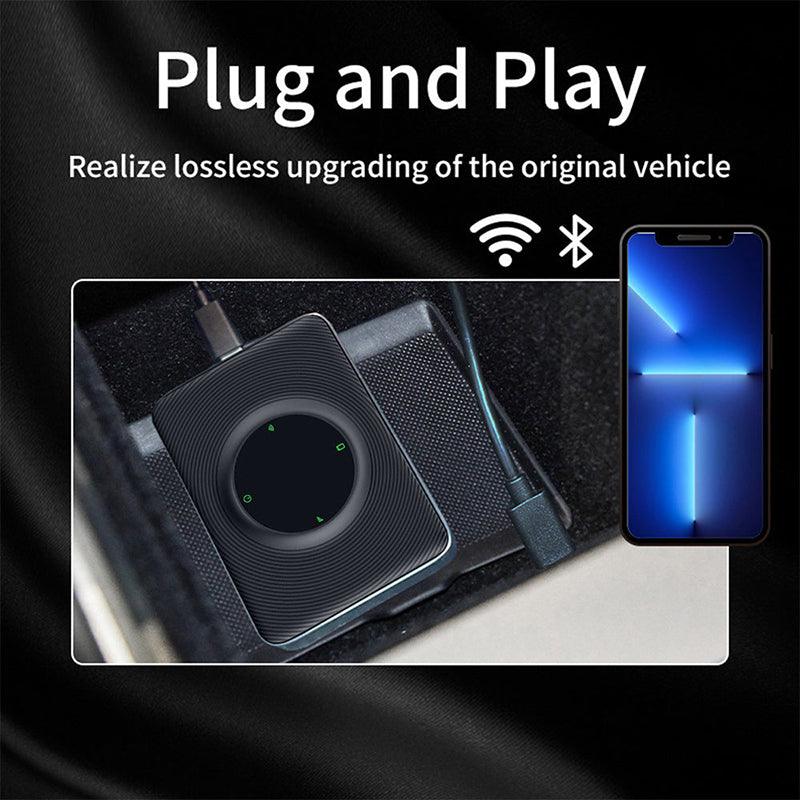
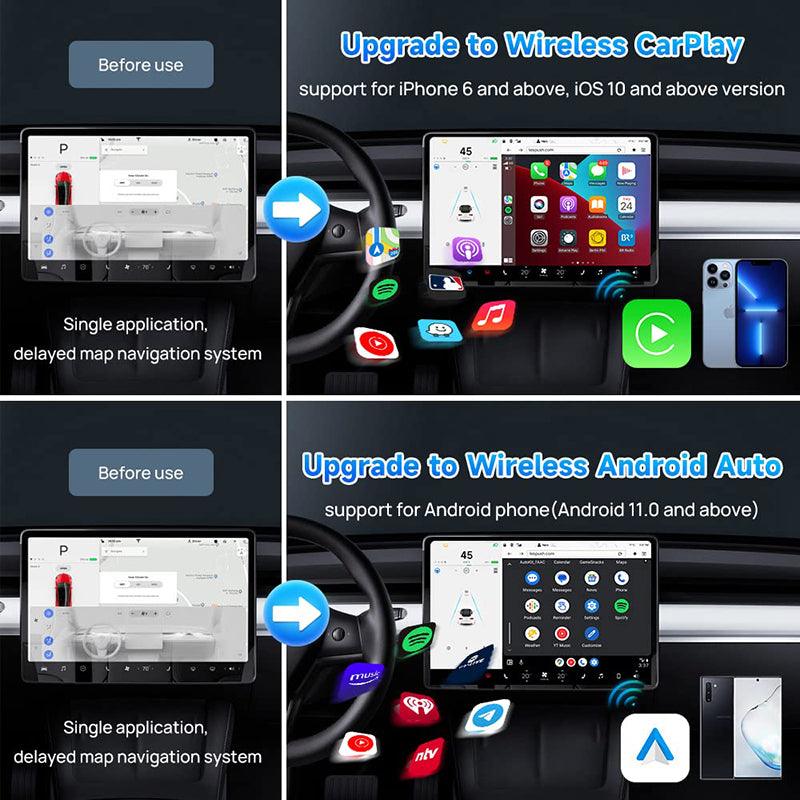
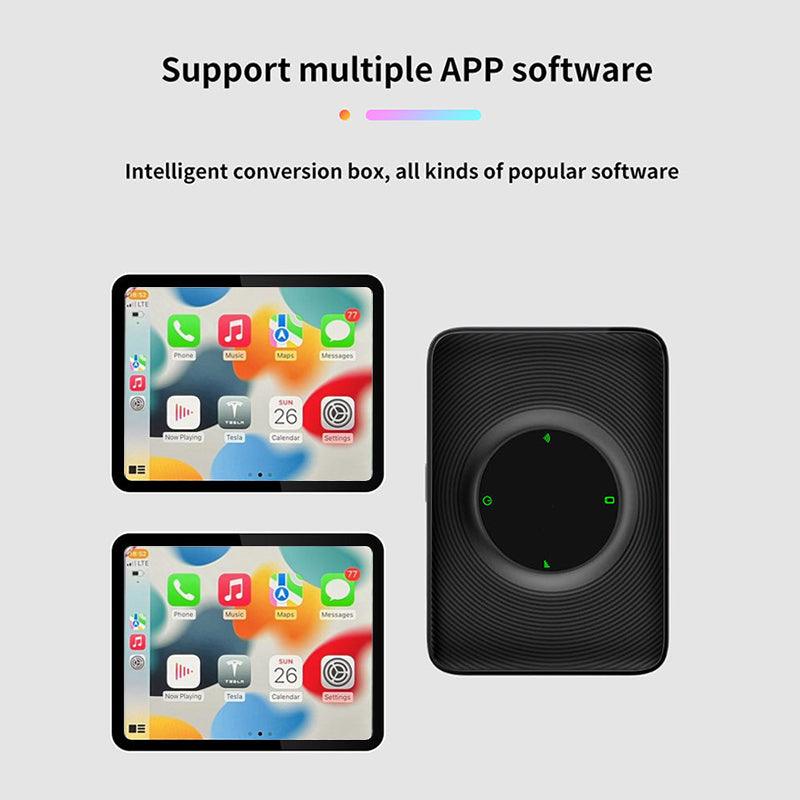
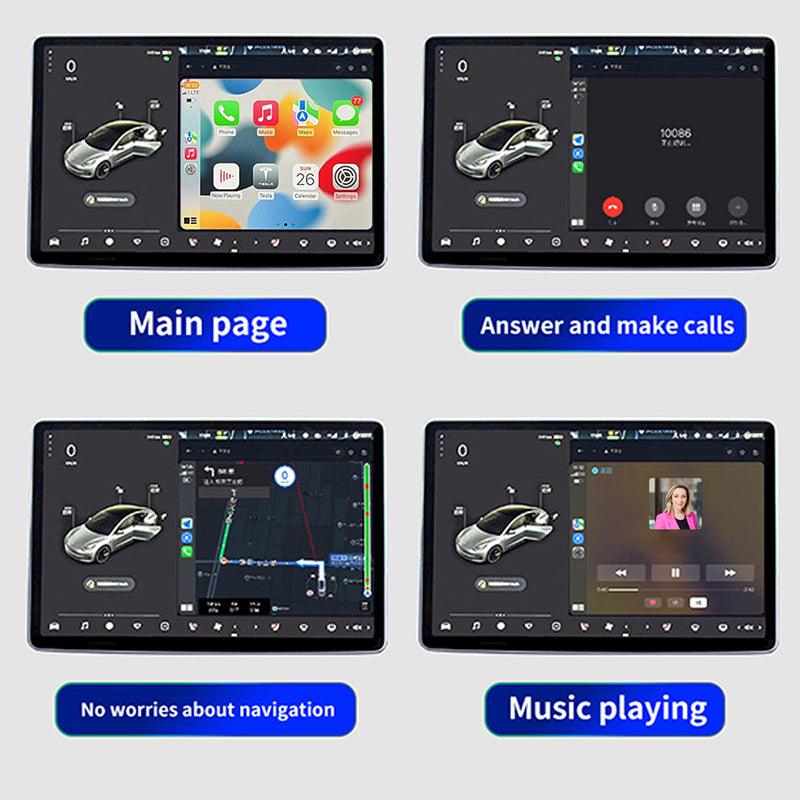
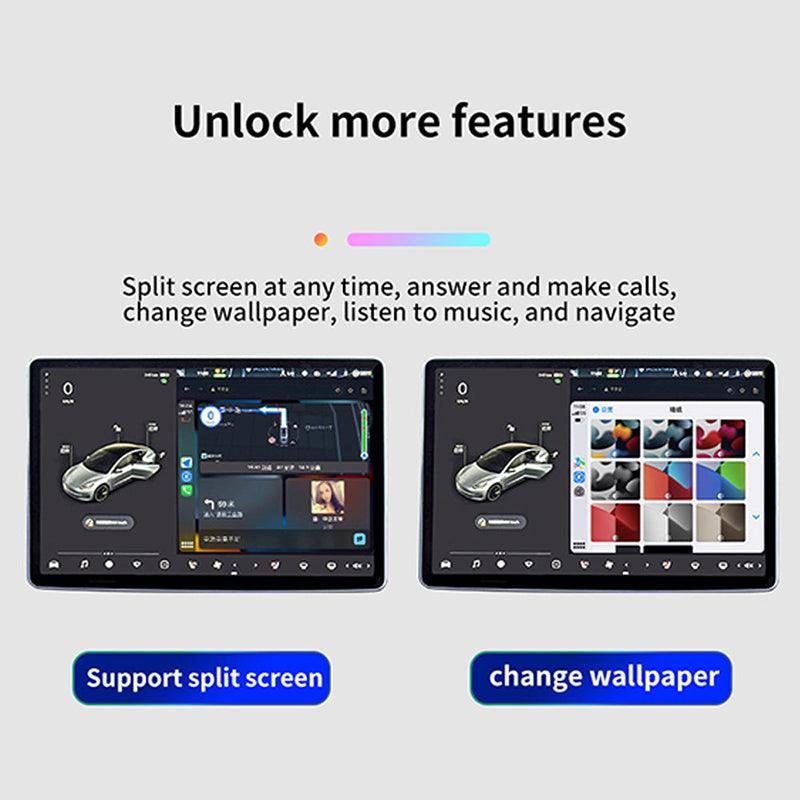
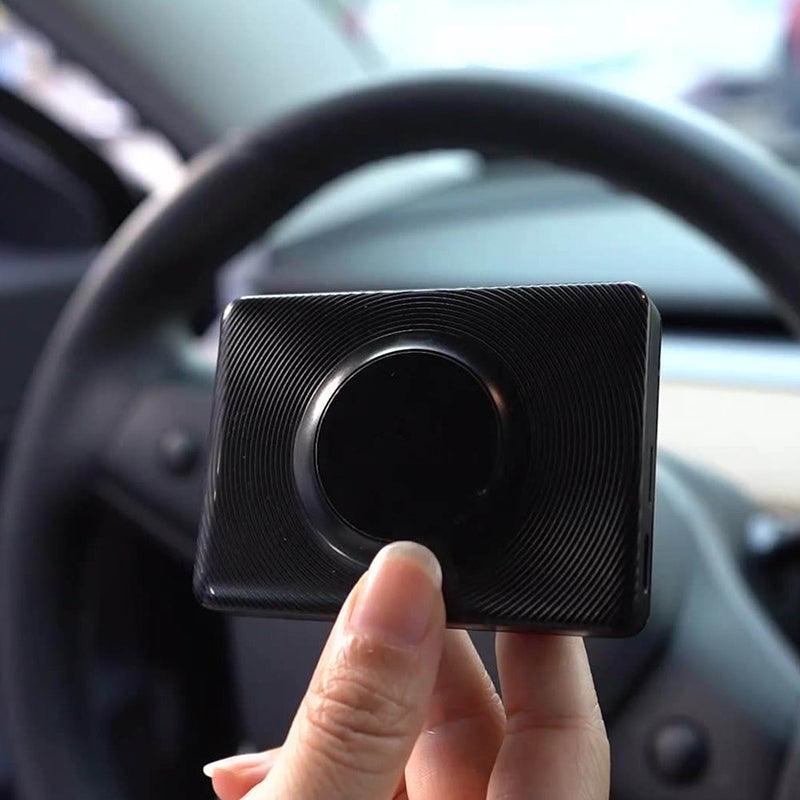
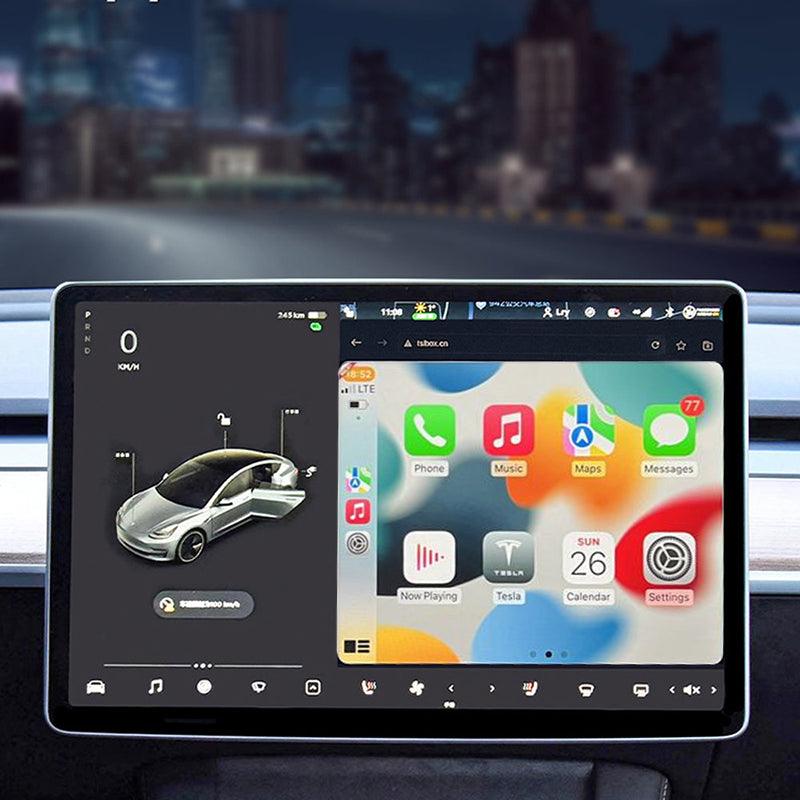
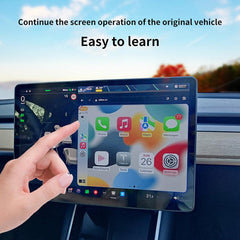
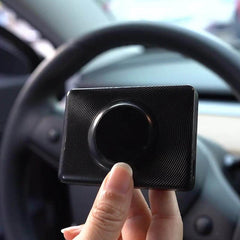
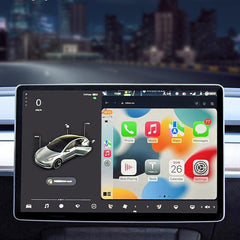
- Funktion: Carplay verbënnt drahtlos mat dem Tesla Haaptbildschierm, awer mir hunn och e SIM-Kaart Slot, wann Dir eng SIM-Kaart wëllt an d'Käschte setzen, kënnt Dir eng SIM-Kaart benotzen, wann Dir drahtlos Carplay benotze wëllt, kënnt Dir eng Hotspot Verbindung benotzen. Dir kënnt Uruff maachen an Är Liiblings APP, Navigatioun, Sat NAV an méi op Ärem Tesla Haaptbildschierm benotzen.
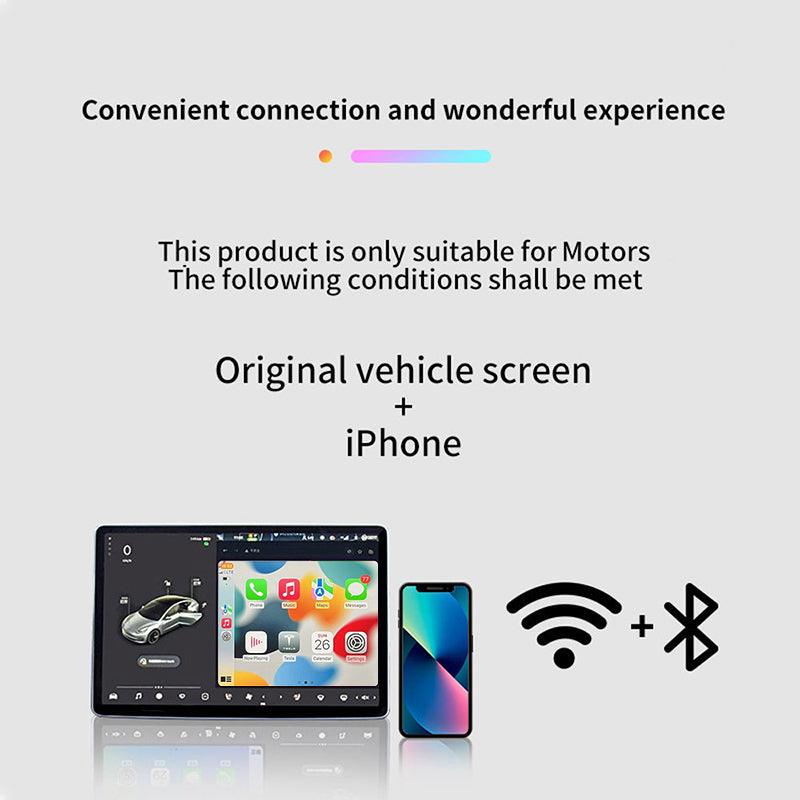
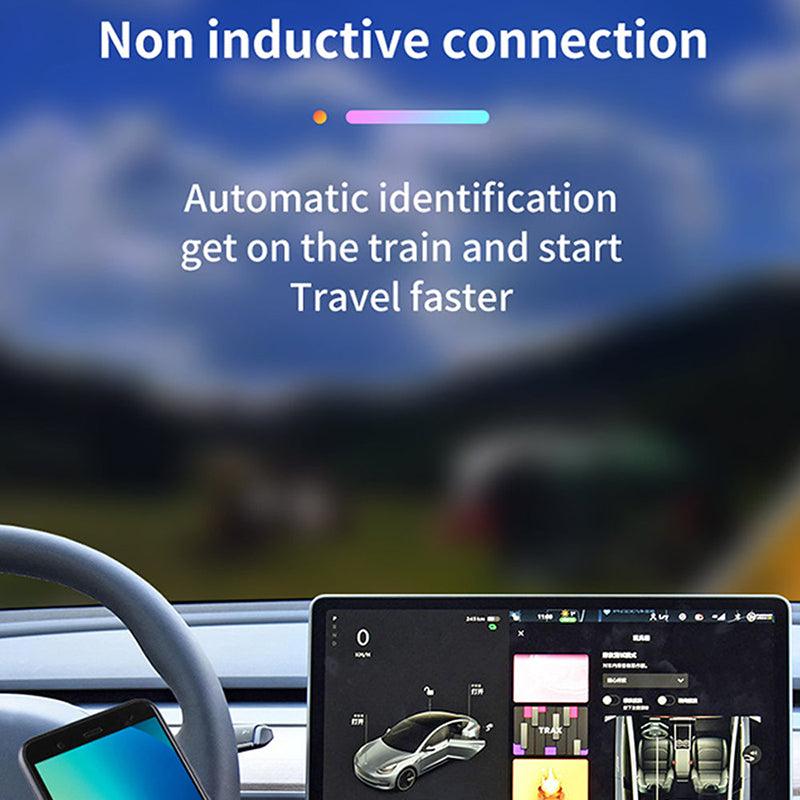
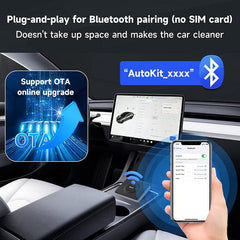
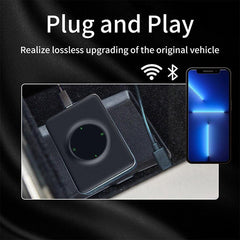
- Verbindungsmetod: de Wi-Fi vum Telefon an d'Carplay deelen, Ären Tesla mat dem ECarplay iwwer den USB Kabel verbannen, an dann drahtlos Carplay genéissen. Einfach a Suen spuere! Drahtlos WIFI Hotspot + Bluetooth, Transferéiert op Carplay duerch de mobile Hotspot WIFI, an d'Carplay WIFI verlinkt mat dem Tesla Haaptbildschierm.
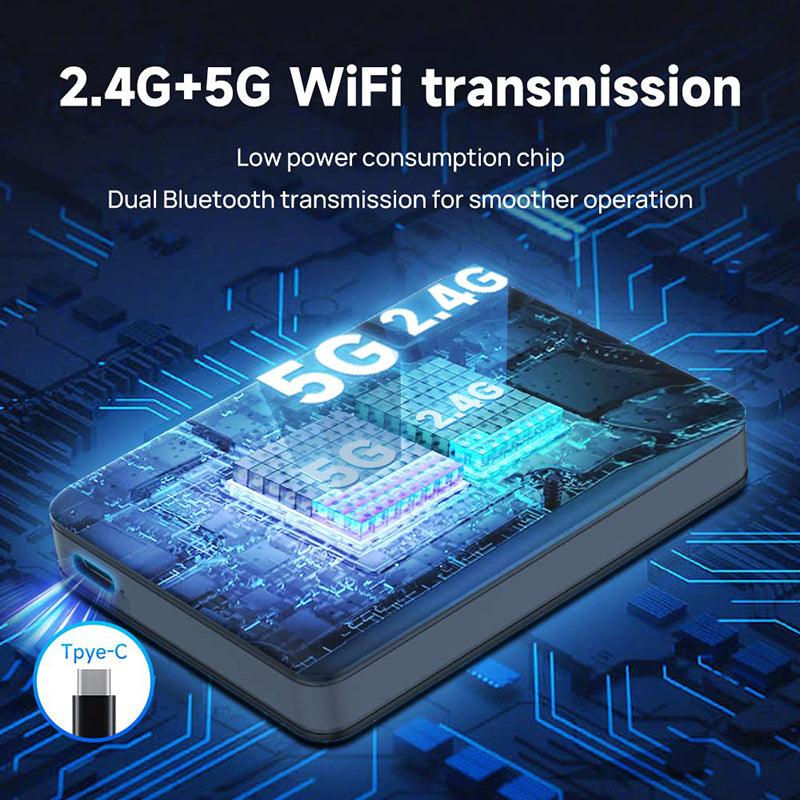
- Wann Äert Modell Joer virun 2018 ass, mussen d'folgend Bedingunge erfëllt sinn wann Dir dës Carplay benotzt: 1. Browser Ënnerstëtzung ass néideg. WiFi Ënnerstëtzung ass néideg (äldre Autoen kënnen net 5G Signaler sichen, sou datt Dir op 2.4G fir d'Verbindung vum mobilen Apparat ëmschalten musst). Den Tesla Browser muss op Chrome 94 oder eng méi nei Versioun aktualiséiert ginn.
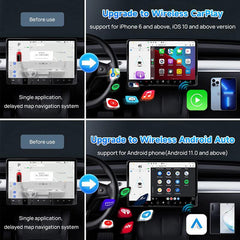
- Ënnerstëtzt iPhone 6 an neiere IOS 10 oder méi. Ënnerstëtzt Android Telefone mat Android 11.0+.
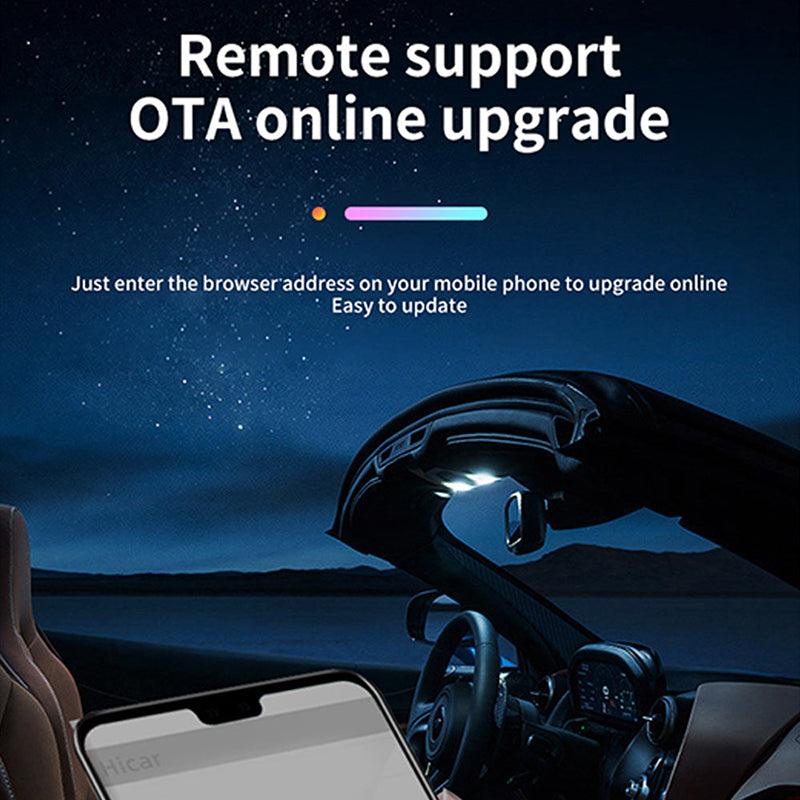
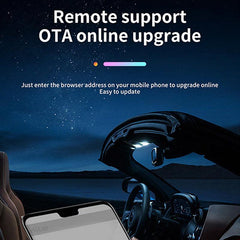
Bemierkung: 1-Tesla Chauffeure sollten sech op d'Weg konzentréieren, och wann den Tesla Autopilot Modell aktiv ass. 2-Fir Upgrade Versioun, benotzt w.e.g. tespush.com fir ze verbannen, net testbox.cn. 3-Wann Dir et fir d'éischte Kéier benotzt, setzt w.e.g. d'APP am Telefon fir Carplay ze erlaaben. Klickt op APP Astellung-Allgemeng-Carplay-MutiCarplay-Custom- wielt d'APP déi Dir Carplay wëllt. Schéckt d'lescht Upgrade Versioun elo.

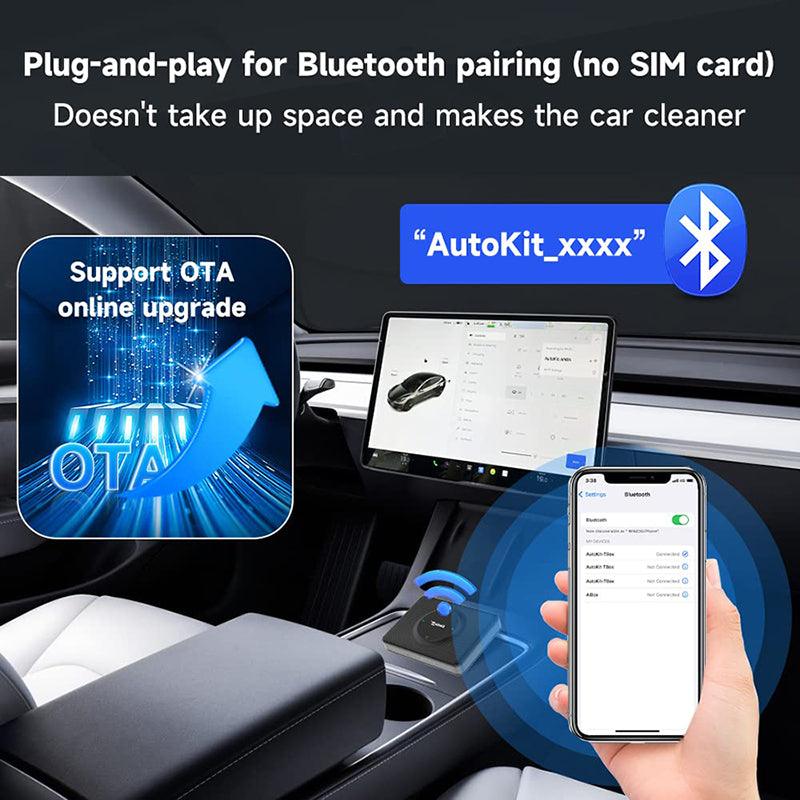
T2C 3.0 ënnerstëtzt Bluetooth Signal Pairing Verbindung, ënnerstëtzt keng Plug-in SIM-Kaart Verbindung

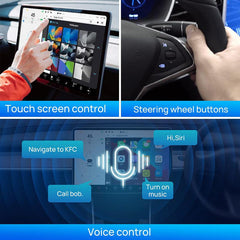
Wéi kritt een d'funktionalitéit vum drahtlosen Carplay mat engem Apple Telefon? (Bluetooth Verbindung)

Wéi kritt een d'funktionalitéit vum drahtlosen Android Auto mat engem Android Telefon? (Bluetooth Verbindung)


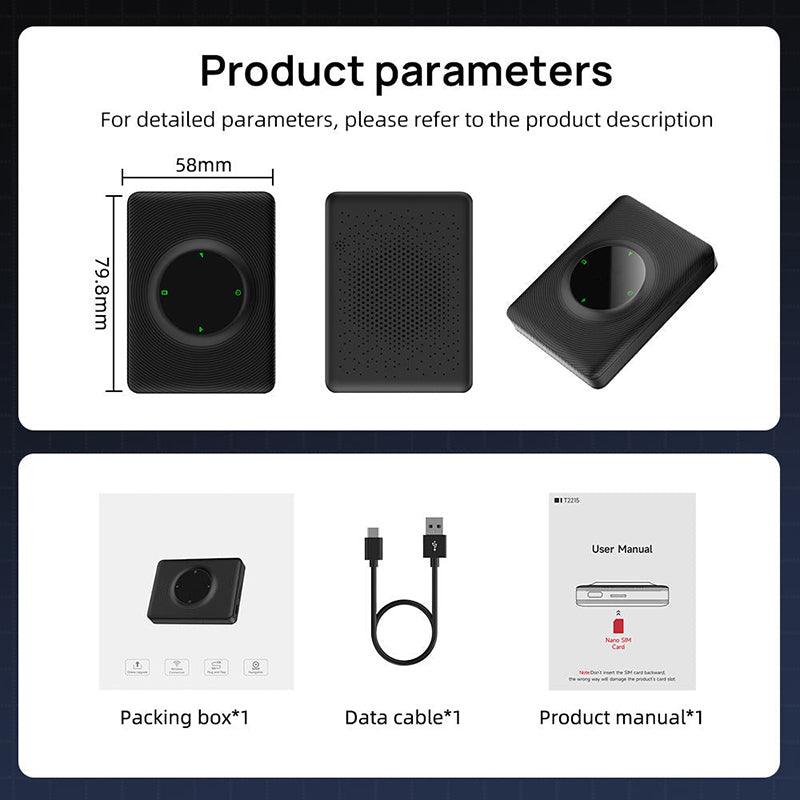
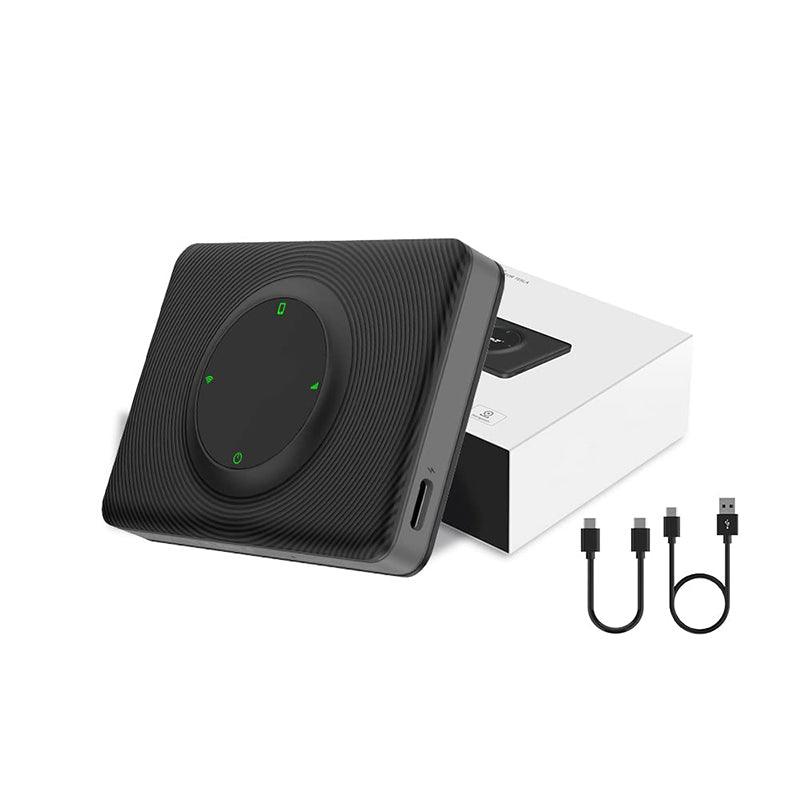
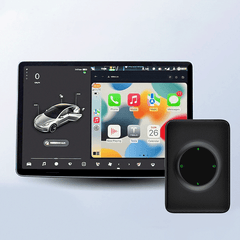
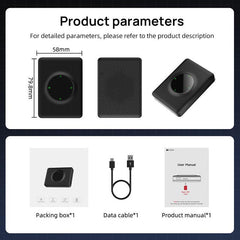
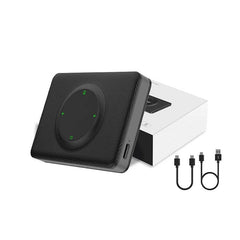
Paket Lëscht: 1* iOS Carplay Multimedia Box 1* USB C Kabel fir Ären Auto ze verbannen 1* Benotzerhandbuch
Shipping Policy
Shipping time depends on the product.
Free shipping on all orders $59+ worldwide!
For all orders under $59, the shipping fee is $7.99.
| Product Type | Handling Time | Shipping time |
| Fast Shipping Products | 0-1 calendar days | 3-6 calendar days |
| Standard Products | 1-2 calendar days | 6-12 calendar days |
| Customized Products | 3-5 calendar days | 6-12 calendar days |
We will make every effort to deliver your package ASAP. However, additional time may be required due to invalid addresses and custom clearance issues. We have many cooperative express companies, such as DHL, FedEx, UPS, and USPS. We will choose the most suitable mode of transportation for you according to your country.
Refund Policy
We have a 30-day return policy, which means you have 30 days after receiving your item to request a return.
To be eligible for a return, your item must be in the same condition that you received it, unworn or unused, with tags, and in its original packaging. You’ll also need the receipt or proof of purchase.
To start a return, you can contact us at support@evooor.com.
If your return is accepted, we’ll send you a return shipping label, as well as instructions on how and where to send your package. Items sent back to us without first requesting a return will not be accepted.
You can always contact us for any return question at support@evooor.com.
Damages and issues
Please inspect your order upon reception and contact us within 7 days if the item is defective, damaged or if you receive the wrong item, so that we can evaluate the issue and make it right. (Photos of defective or damaged products are required.)
Exchanges
The fastest way to ensure you get what you want is to return the item you have, and once the return is accepted, make a separate purchase for the new item.
European Union 14 day cooling off period
Notwithstanding the above, if the merchandise is being shipped into the European Union, you have the right to cancel or return your order within 14 days, for any reason and without a justification. As above, your item must be in the same condition that you received it, unworn or unused, with tags, and in its original packaging. You’ll also need the receipt or proof of purchase.
Return Fee
Customers are not required to pay for return shipping if a product is returned because it is "broken, missing, or wrong." If the product is returned due to "bought wrong, I don't want it anymore", the customer shall bear the return shipping cost, and the actual shipping cost will be deducted from the refund. In either case, there is no restocking fee for returns.
Refunds
We will notify you once we’ve received and inspected your return, and let you know if the refund was approved or not. If approved, you’ll be automatically refunded on your original payment method within 3 business days. Please remember it can take some time for your bank or credit card company to process and post the refund too.
If more than 15 business days have passed since we’ve approved your return, please contact us at support@evooor.com.
- Wiel vun enger Auswiel resultéiert an enger kompletter Säit Erfrëschung.