


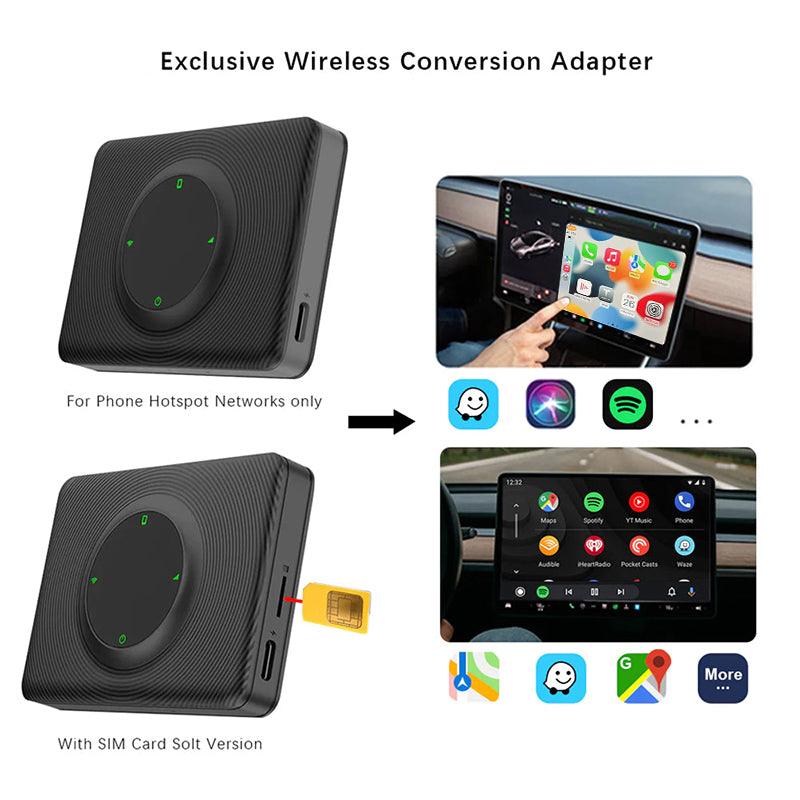
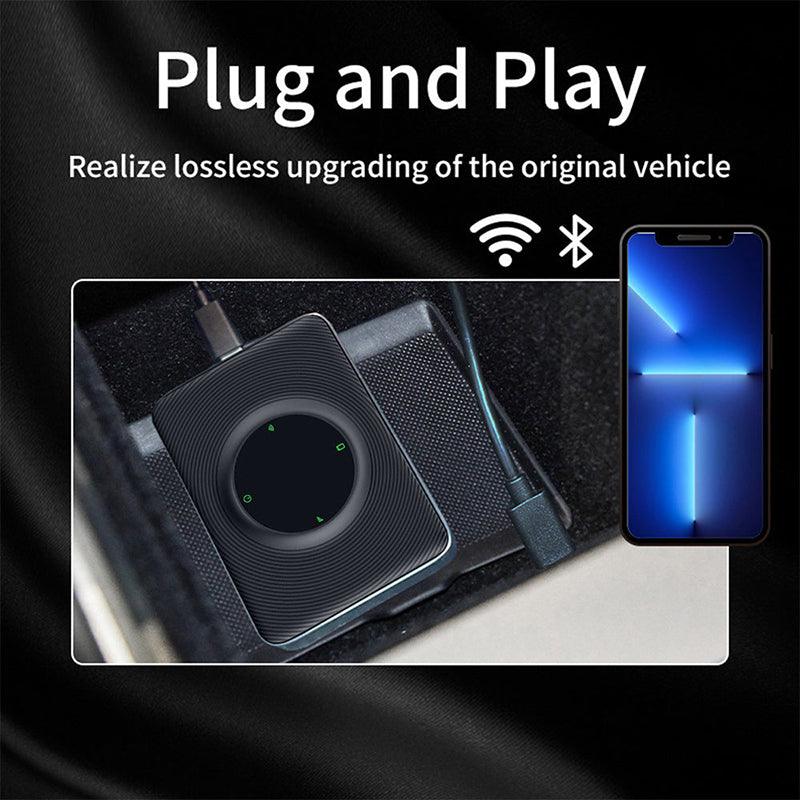
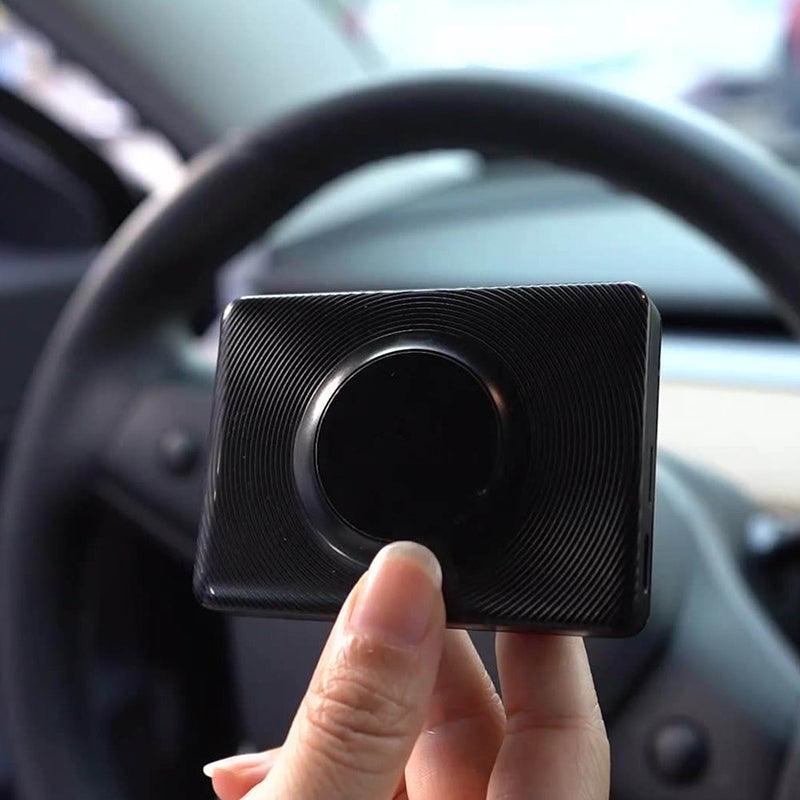
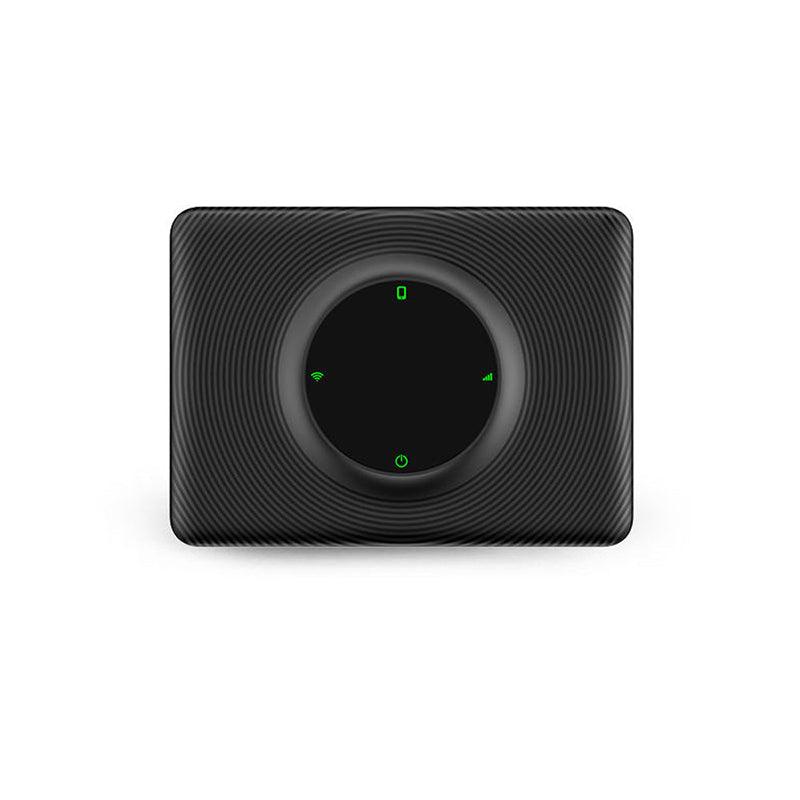


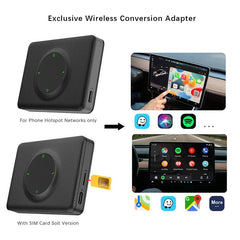

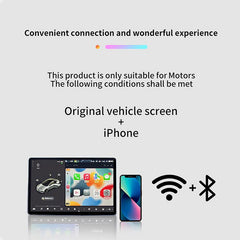
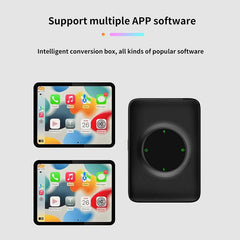
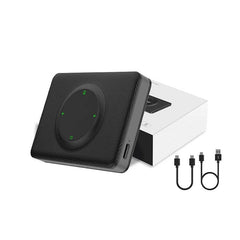
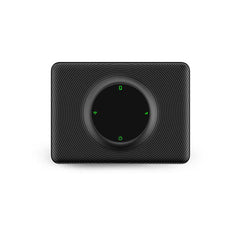



주의: 4G(유럽/아시아 지역용)/4G(북미 지역용)는 SIM 카드 삽입을 지원합니다.
Wi-Fi 버전은 SIM 카드 삽입을 지원하지 않습니다.
특징:
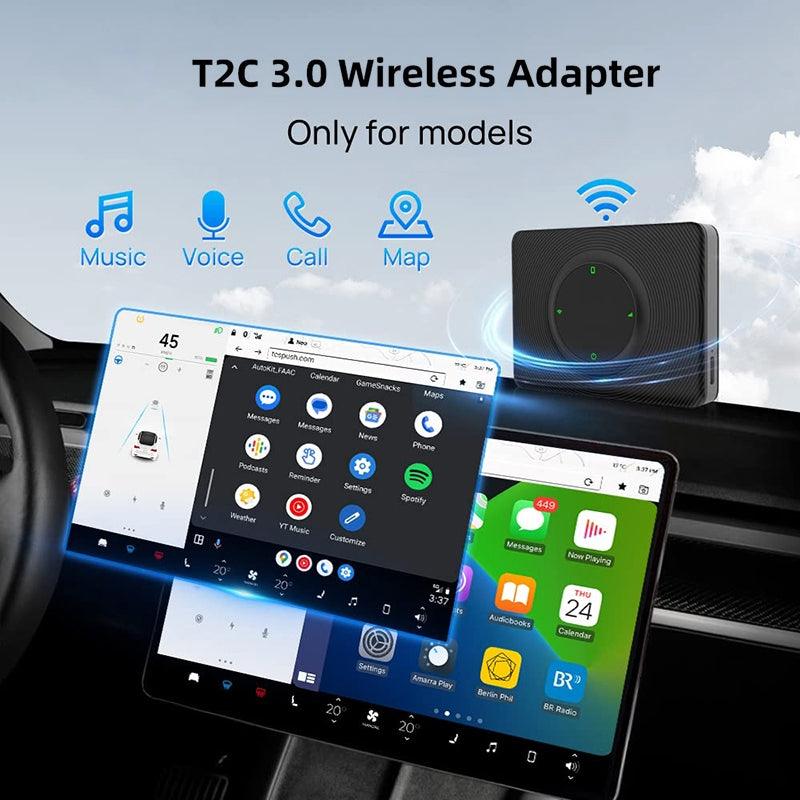
- 호환 모델: Tesla Model 3/Y (2018-2024)에 적합
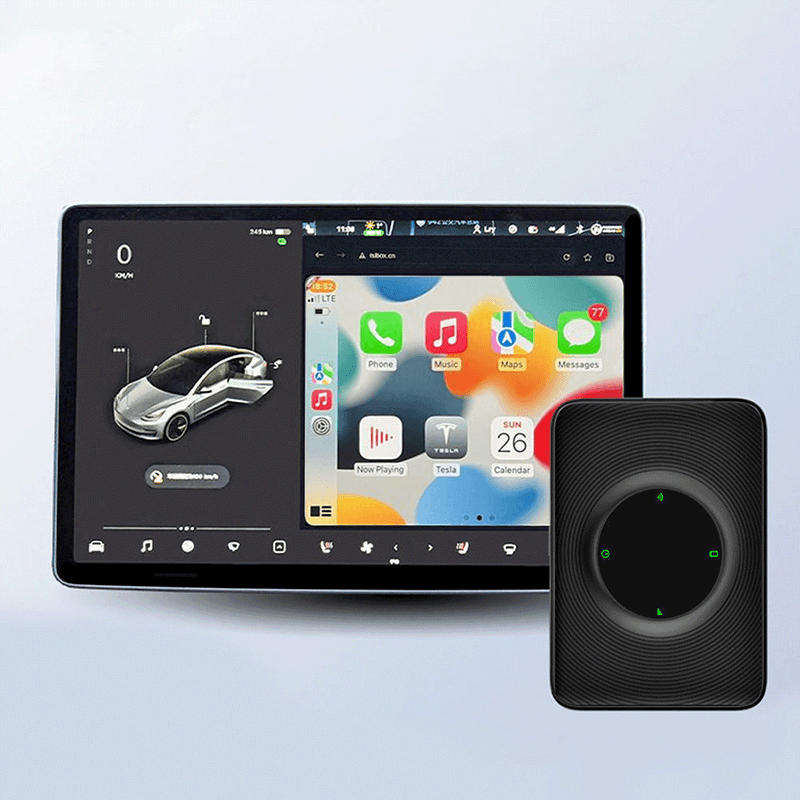
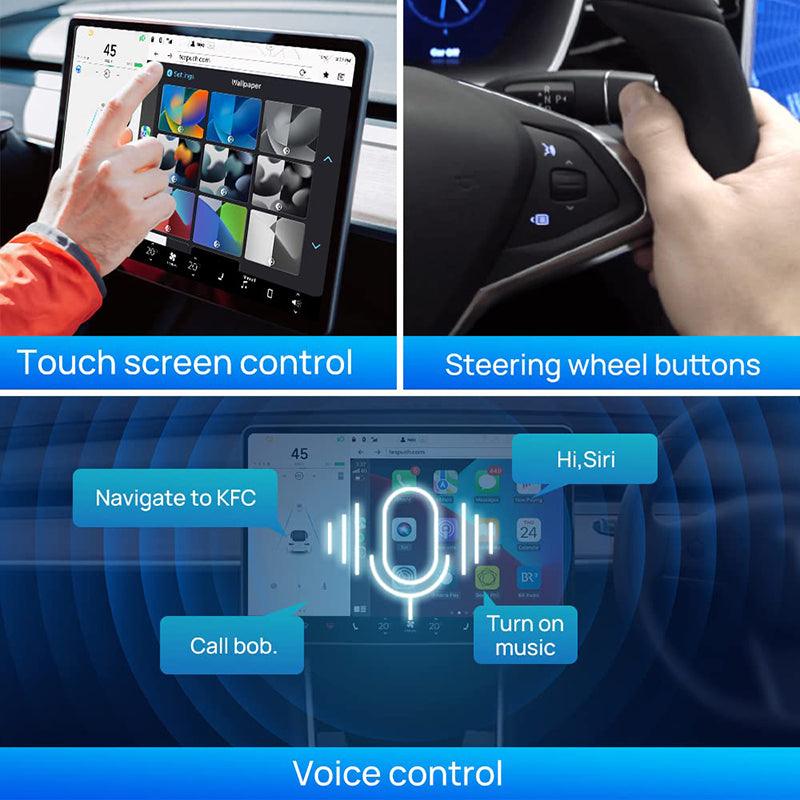
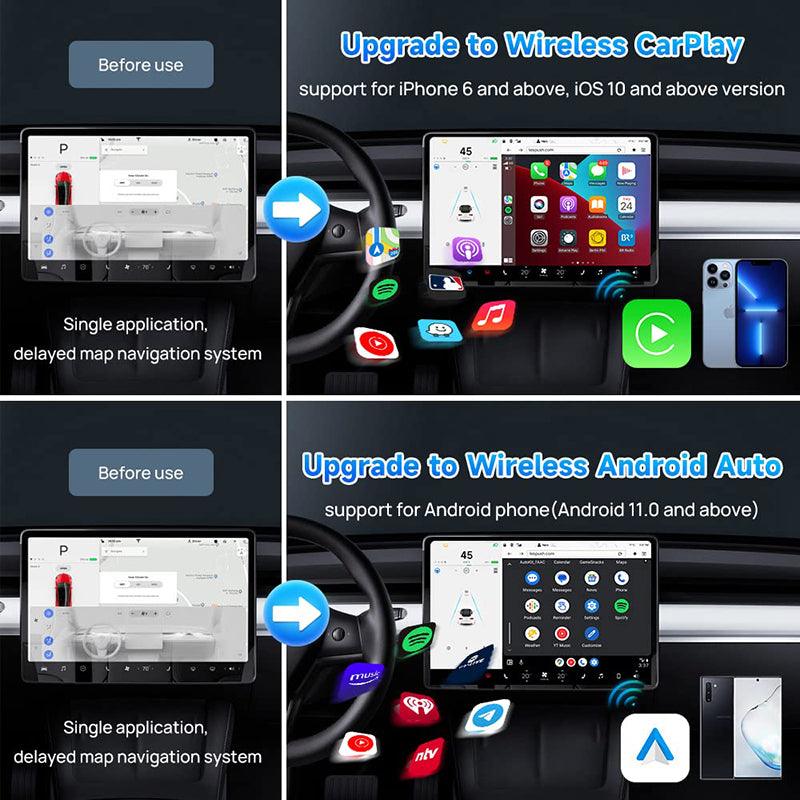
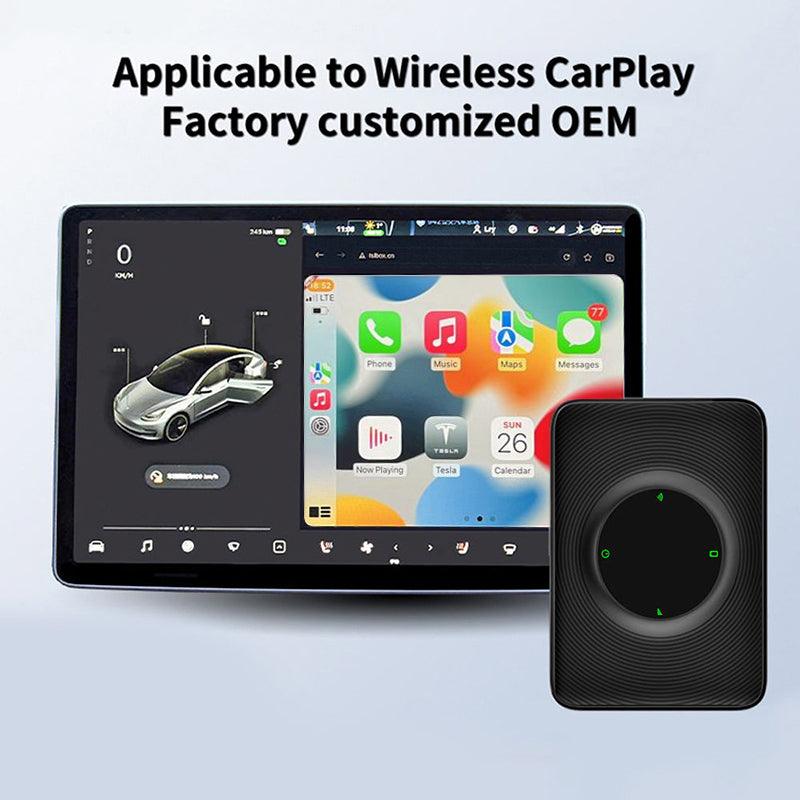
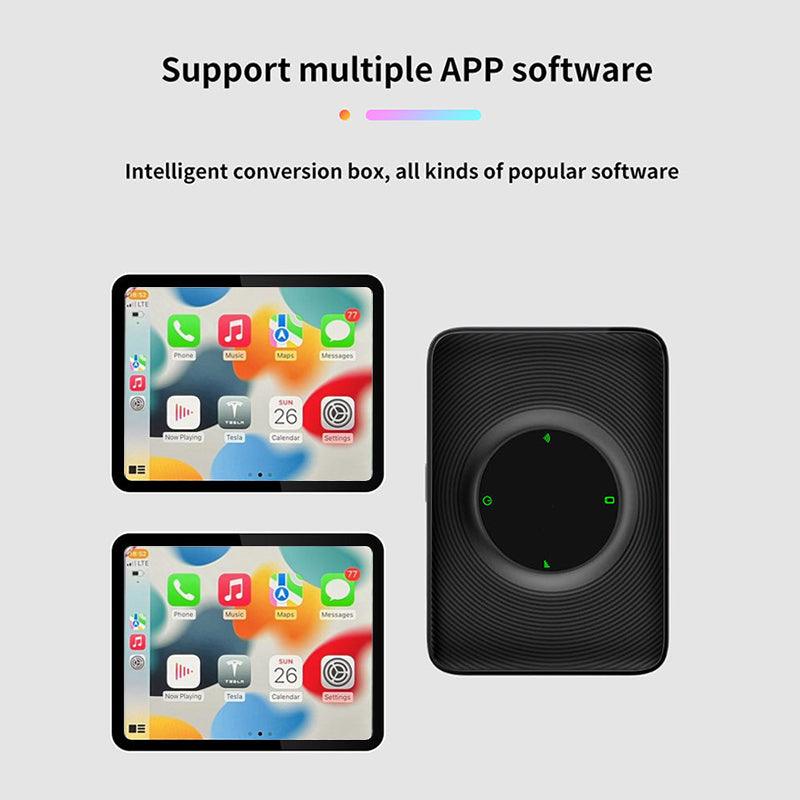
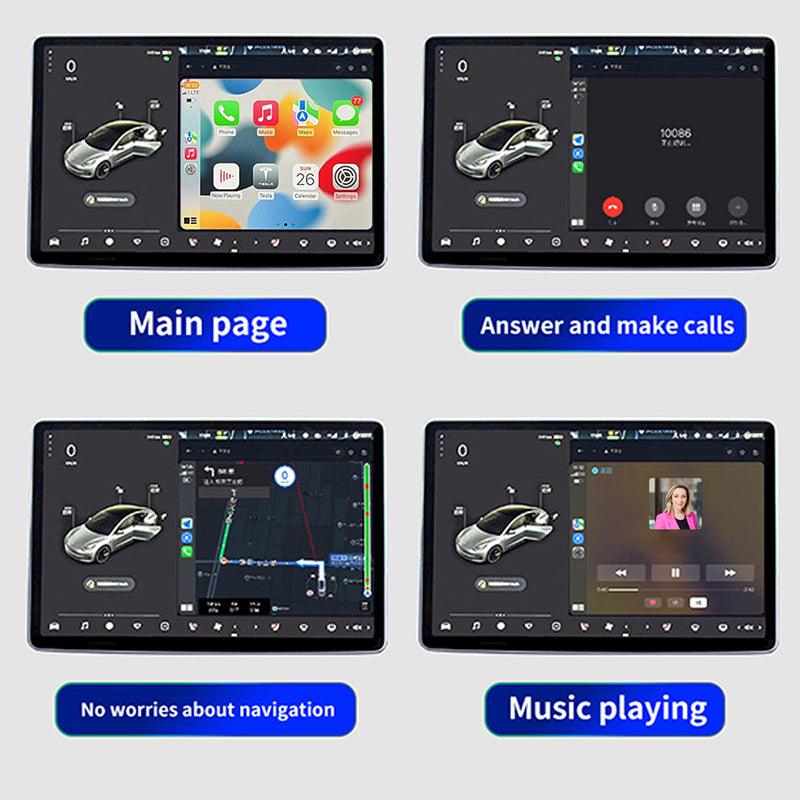
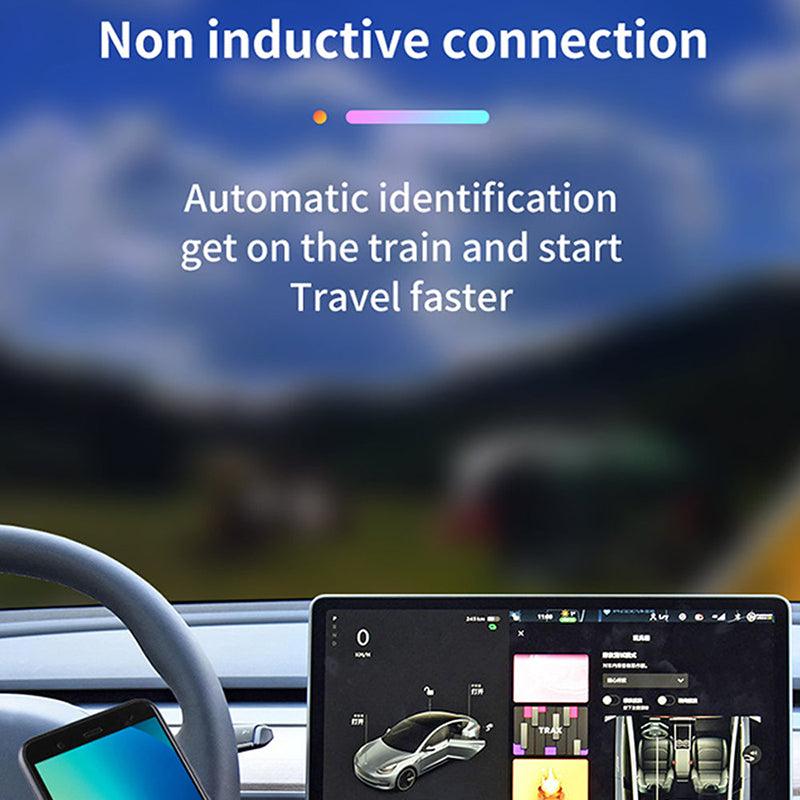
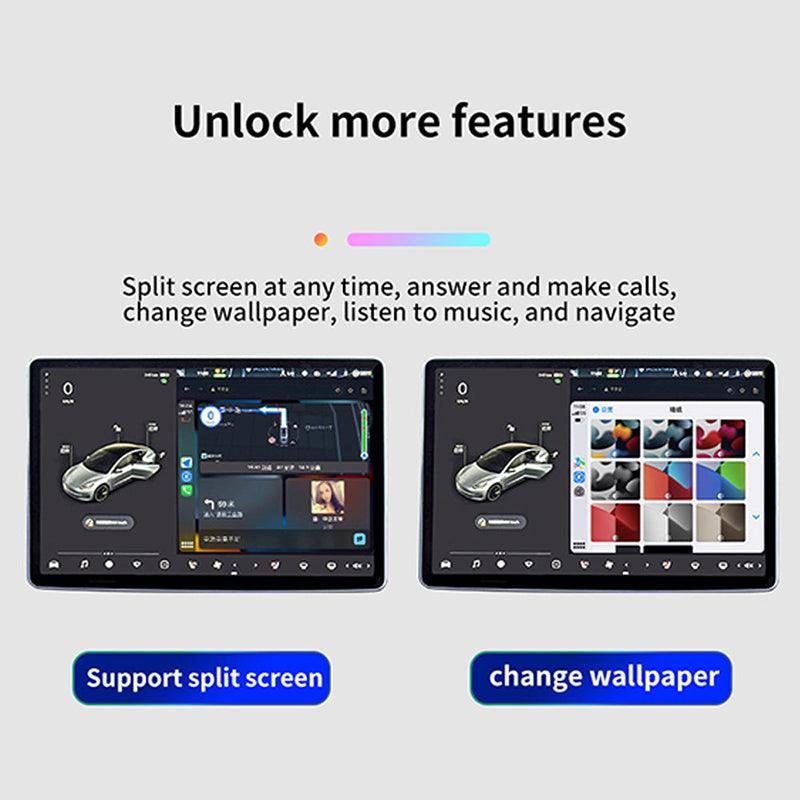
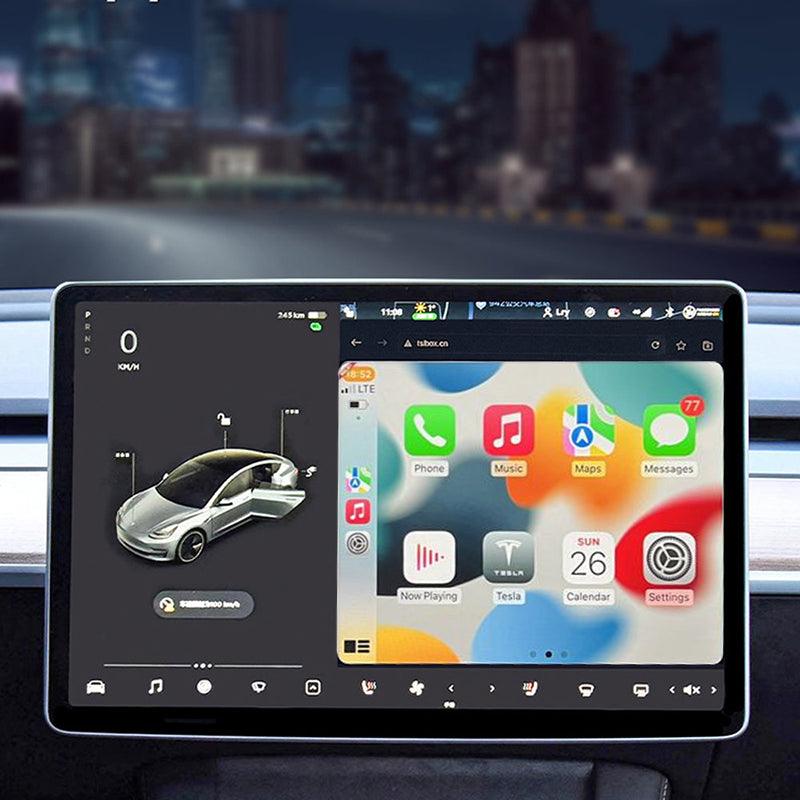
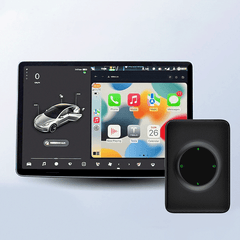
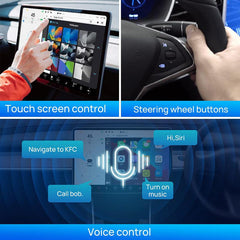
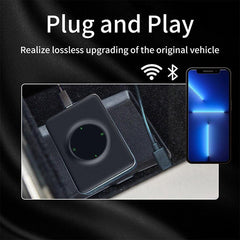
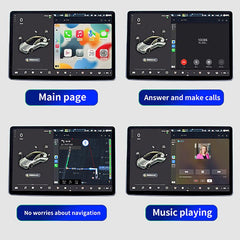
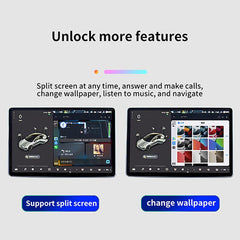
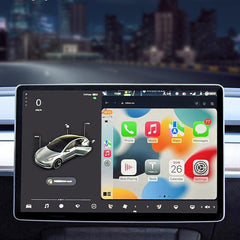
- 기능: Carplay가 Tesla 메인 화면에 무선으로 연결되지만, SIM 카드 슬롯도 있습니다. SIM 카드를 삽입하고 싶다면 사용할 수 있으며, 무선 Carplay를 사용하고 싶다면 핫스팟 연결을 사용할 수 있습니다. 전화를 걸고 좋아하는 APP, 내비게이션, 위성 내비게이션 등을 Tesla 메인 화면에서 사용할 수 있습니다.
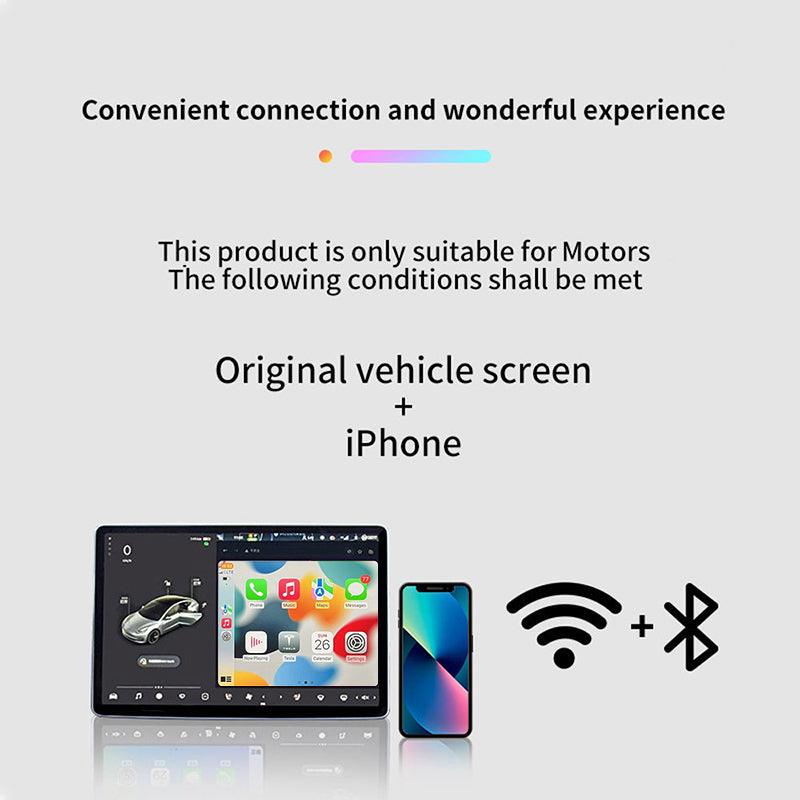
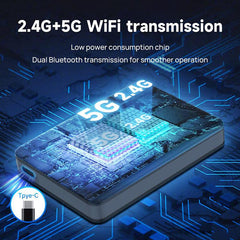
- 연결 방법: 전화의 Wi-Fi를 Carplay에 공유하고, USB 케이블로 Tesla를 ECarplay에 연결한 후 무선 Carplay를 즐기세요. 간단하고 비용 절감! 무선 WIFI 핫스팟 + 블루투스, 모바일 핫스팟 WIFI를 통해 Carplay로 전환하고, Carplay WIFI가 Tesla 메인 화면에 연결됩니다.
- 모델 연도가 2018년 이전인 경우, 이 Carplay를 사용할 때 다음 조건을 충족해야 합니다: 1. 브라우저 지원이 필요합니다. WiFi 지원이 필요합니다(구형 차량은 5G 신호를 검색할 수 없으므로 모바일 장치의 연결을 위해 2.4G로 전환해야 합니다). Tesla의 브라우저는 Chrome 94 또는 최신 버전으로 업그레이드되어야 합니다.
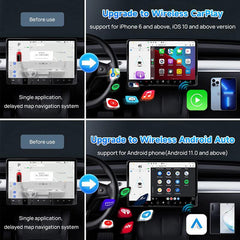
- iPhone 6 및 이후 모델의 iOS 10 이상을 지원합니다. Android 11.0 이상의 Android 전화도 지원합니다.
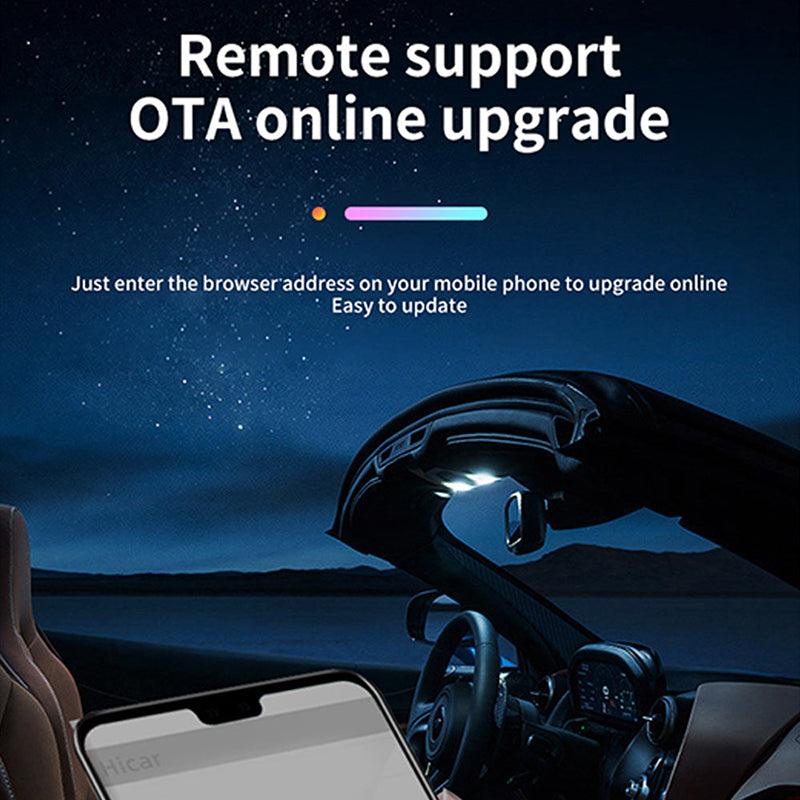
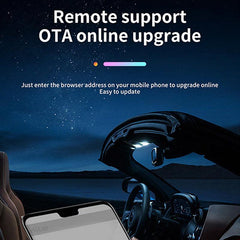
참고: 1-Tesla 운전자는 Tesla Autopilot 모델이 켜져 있을 때에도 도로에 집중해야 합니다. 2-업그레이드 버전의 경우, testbox.cn이 아닌 tespush.com을 사용하여 연결하십시오. 3-처음 사용할 때, 전화의 APP에서 Carplay를 허용하도록 설정하십시오. APP 설정-일반-Carplay-MutiCarplay-사용할 APP 선택. 최신 업그레이드 버전을 지금 전송하세요.

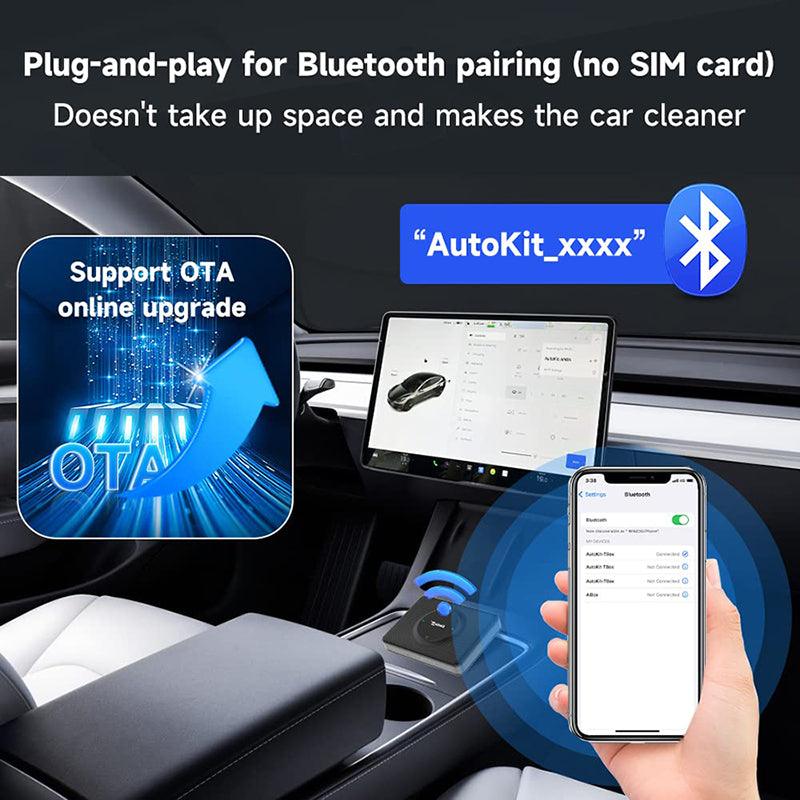
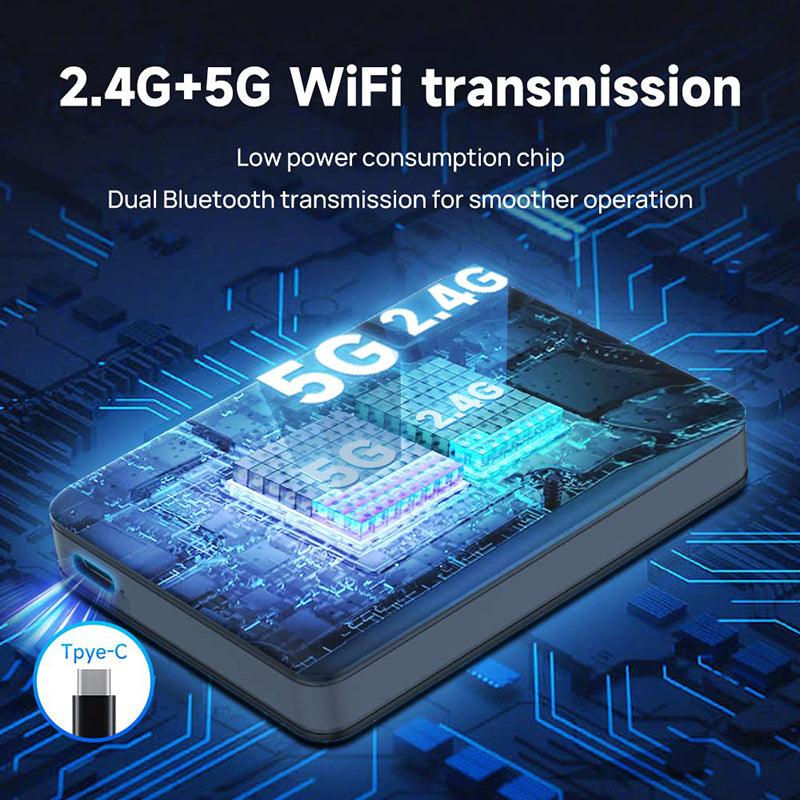
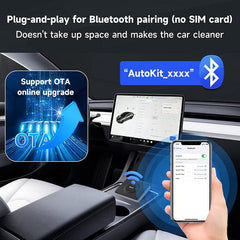
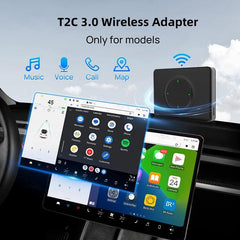
T2C 3.0은 블루투스 신호 페어링 연결을 지원하며, SIM 카드 연결은 지원하지 않습니다.

Apple 전화로 무선 Carplay 기능을 얻는 방법은? (블루투스 연결)

Android 전화로 무선 Android Auto를 얻는 방법은? (블루투스 연결)


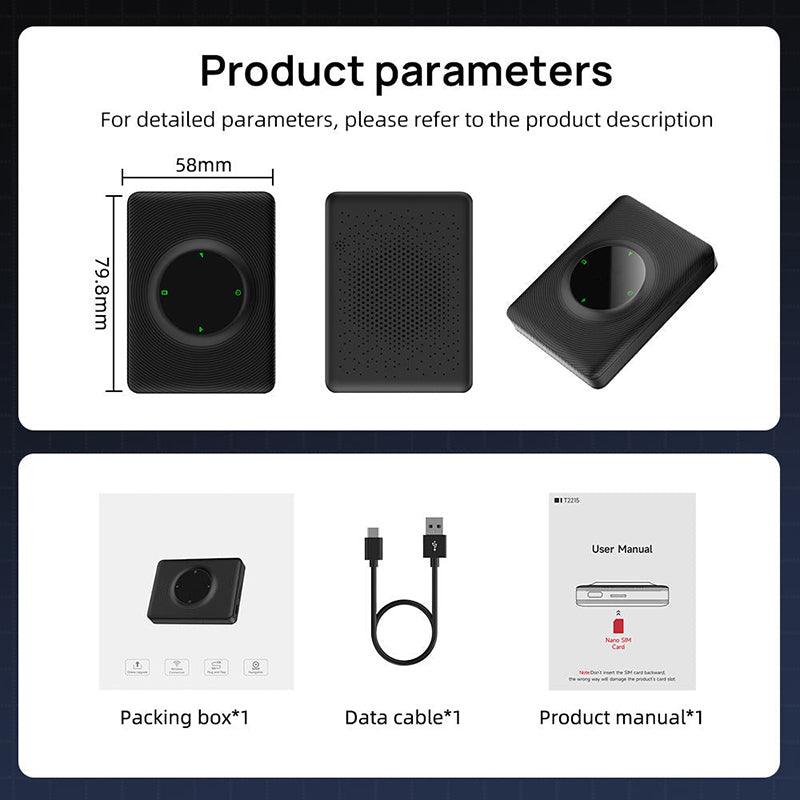
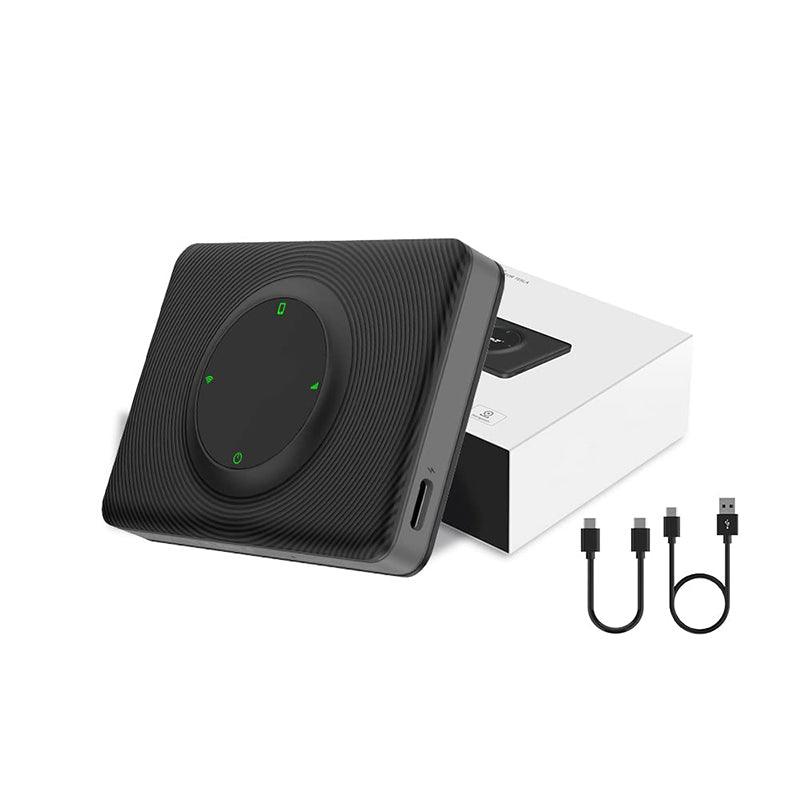
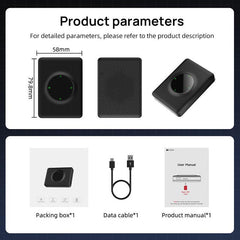
패키지 목록: 1*iOS Carplay 멀티미디어 박스 1* 차량에 연결할 USB C 케이블 1* 사용자 설명서
Shipping Policy
Shipping time depends on the product.
Free shipping on all orders $59+ worldwide!
For all orders under $59, the shipping fee is $7.99.
| Product Type | Handling Time | Shipping time |
| Fast Shipping Products | 0-1 calendar days | 3-6 calendar days |
| Standard Products | 1-2 calendar days | 6-12 calendar days |
| Customized Products | 3-5 calendar days | 6-12 calendar days |
We will make every effort to deliver your package ASAP. However, additional time may be required due to invalid addresses and custom clearance issues. We have many cooperative express companies, such as DHL, FedEx, UPS, and USPS. We will choose the most suitable mode of transportation for you according to your country.
Refund Policy
We have a 30-day return policy, which means you have 30 days after receiving your item to request a return.
To be eligible for a return, your item must be in the same condition that you received it, unworn or unused, with tags, and in its original packaging. You’ll also need the receipt or proof of purchase.
To start a return, you can contact us at support@evooor.com.
If your return is accepted, we’ll send you a return shipping label, as well as instructions on how and where to send your package. Items sent back to us without first requesting a return will not be accepted.
You can always contact us for any return question at support@evooor.com.
Damages and issues
Please inspect your order upon reception and contact us within 7 days if the item is defective, damaged or if you receive the wrong item, so that we can evaluate the issue and make it right. (Photos of defective or damaged products are required.)
Exchanges
The fastest way to ensure you get what you want is to return the item you have, and once the return is accepted, make a separate purchase for the new item.
European Union 14 day cooling off period
Notwithstanding the above, if the merchandise is being shipped into the European Union, you have the right to cancel or return your order within 14 days, for any reason and without a justification. As above, your item must be in the same condition that you received it, unworn or unused, with tags, and in its original packaging. You’ll also need the receipt or proof of purchase.
Return Fee
Customers are not required to pay for return shipping if a product is returned because it is "broken, missing, or wrong." If the product is returned due to "bought wrong, I don't want it anymore", the customer shall bear the return shipping cost, and the actual shipping cost will be deducted from the refund. In either case, there is no restocking fee for returns.
Refunds
We will notify you once we’ve received and inspected your return, and let you know if the refund was approved or not. If approved, you’ll be automatically refunded on your original payment method within 3 business days. Please remember it can take some time for your bank or credit card company to process and post the refund too.
If more than 15 business days have passed since we’ve approved your return, please contact us at support@evooor.com.
- 선택 항목을 선택하면 전체 페이지가 새로 고쳐집니다.