


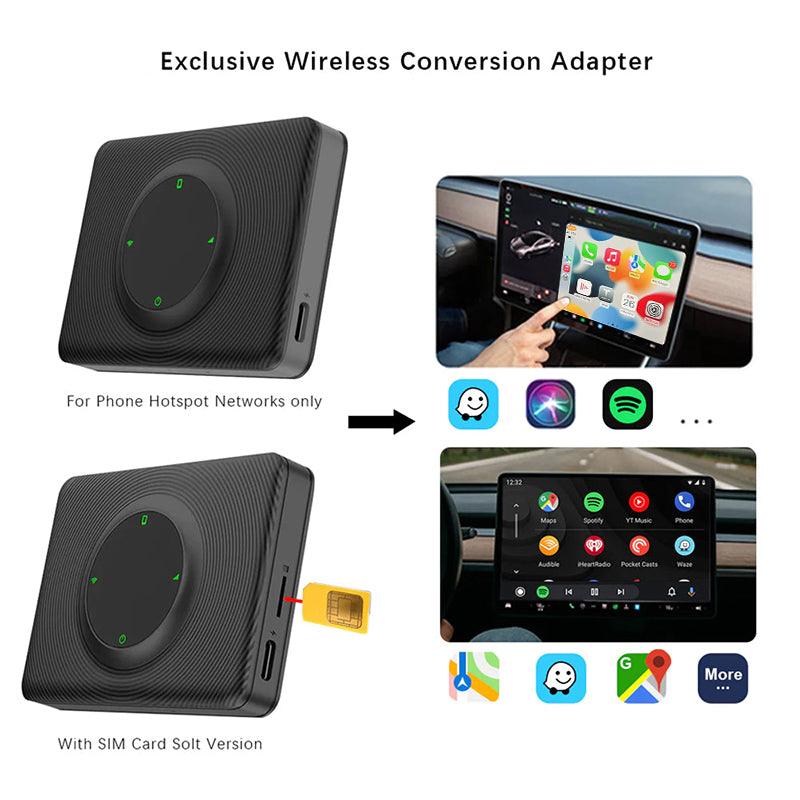
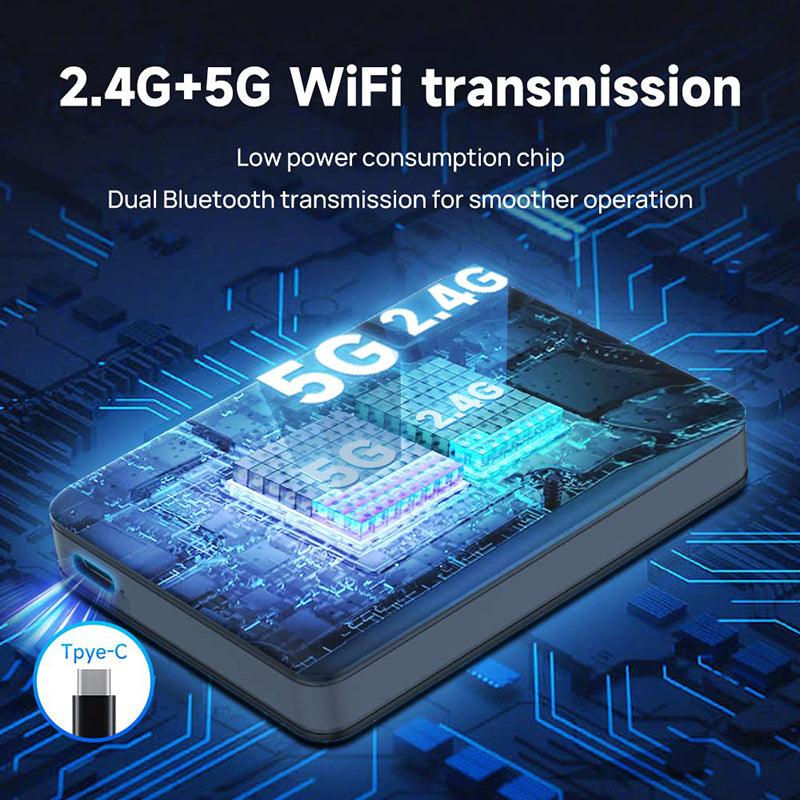
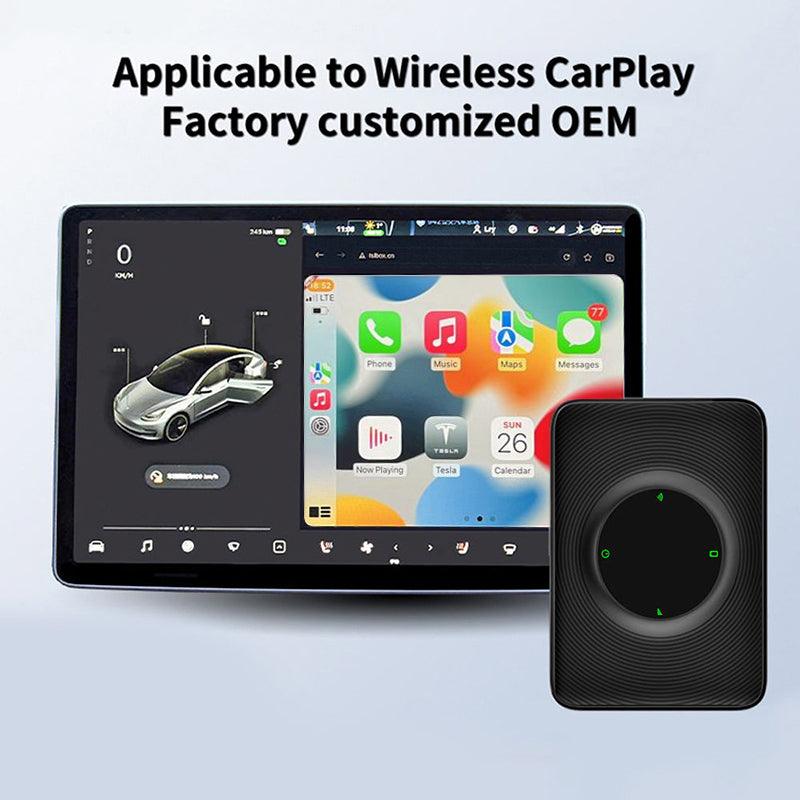
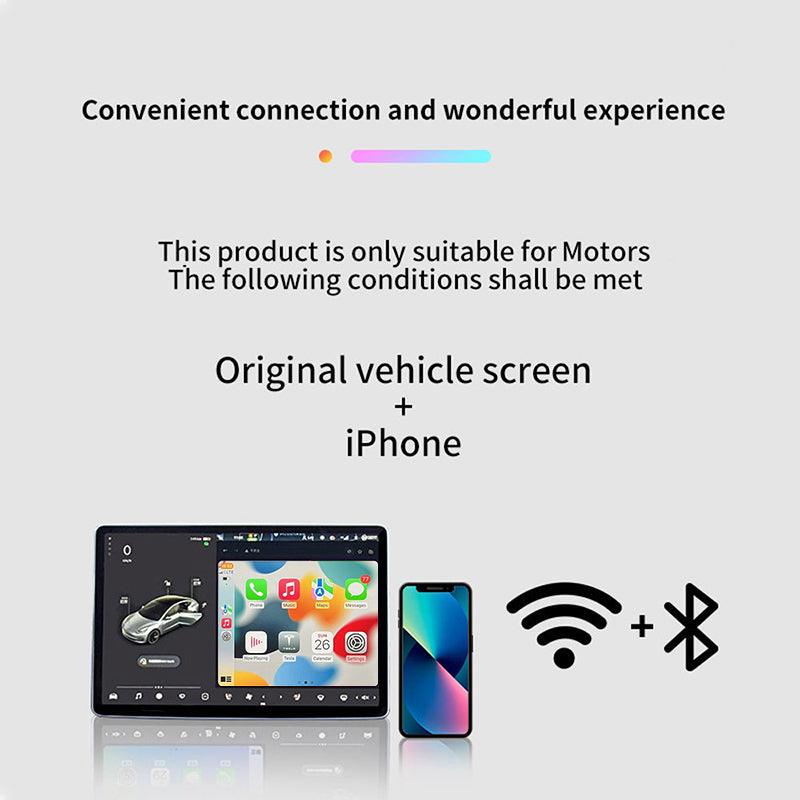
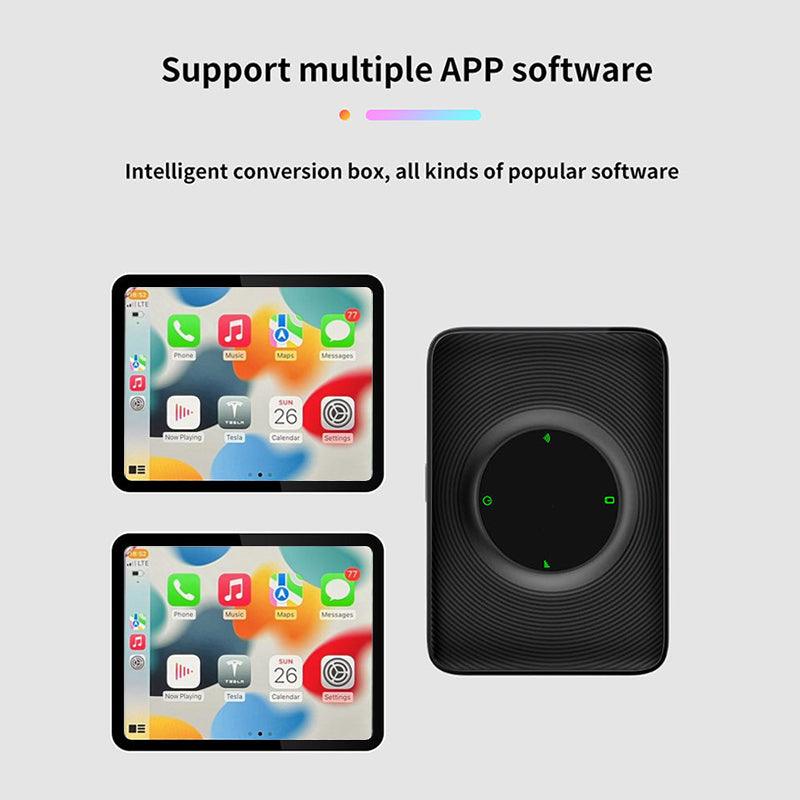
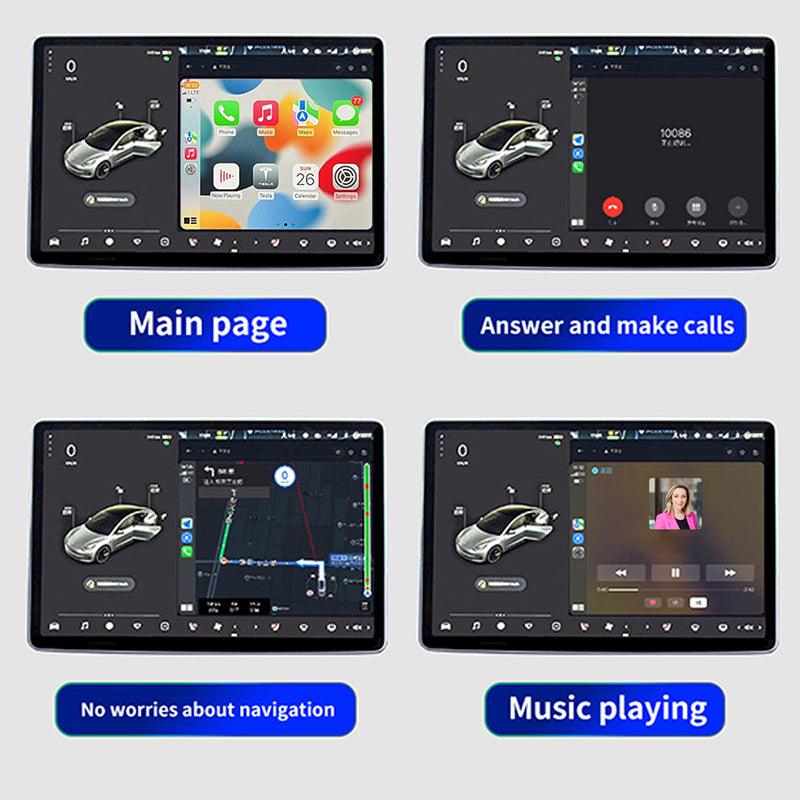
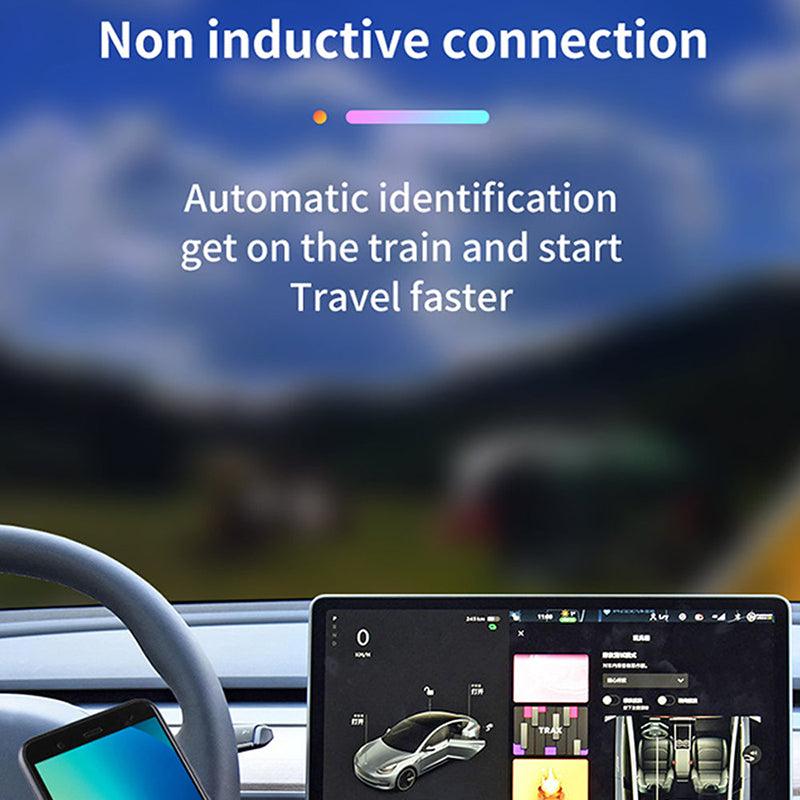
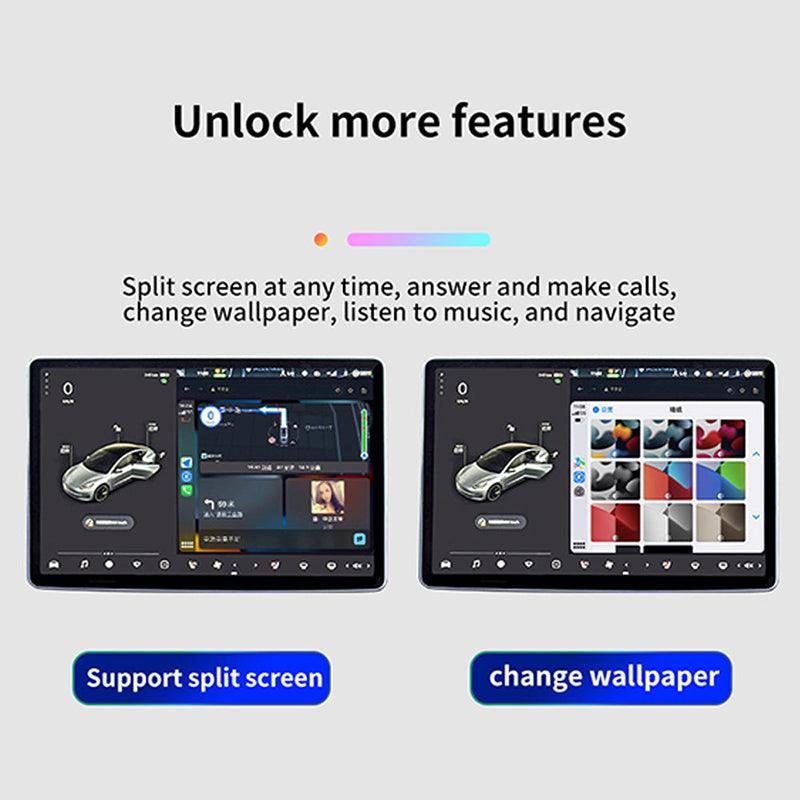
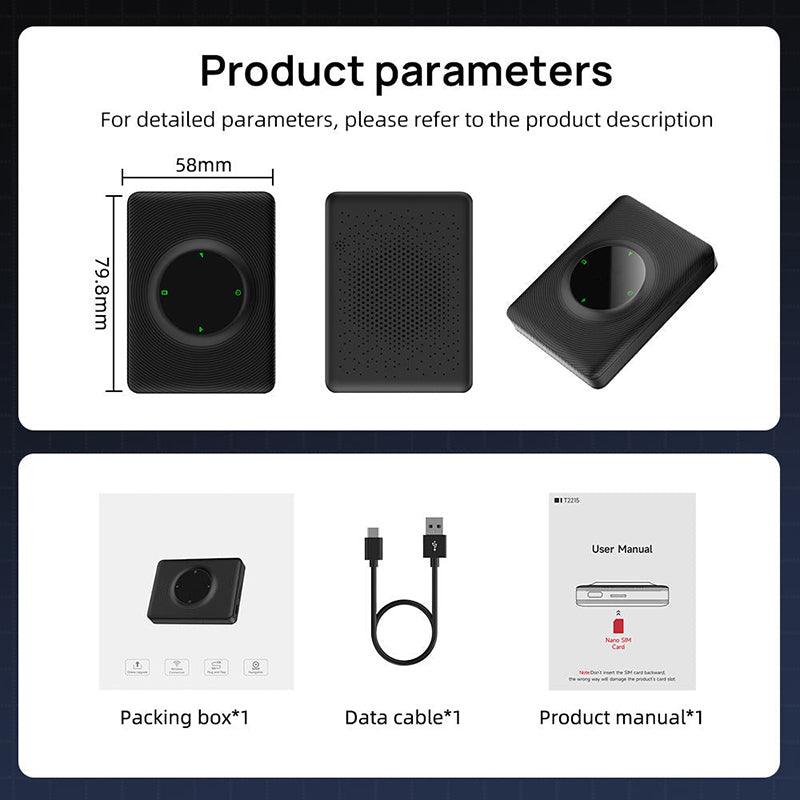
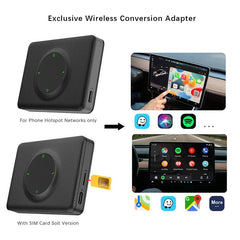
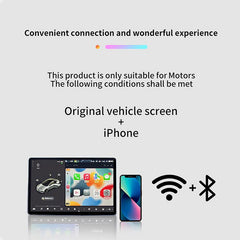
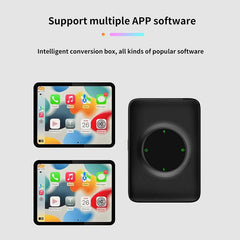
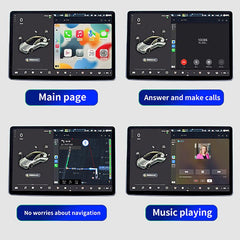
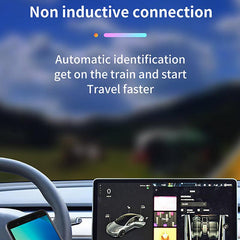



Bitte beachten: 4G (für Europa/Asien)/4G (für Nordamerika) unterstützt das Einlegen einer SIM-Karte.
Die Wi-Fi-Version unterstützt das Einlegen einer SIM-Karte nicht.
Merkmale:
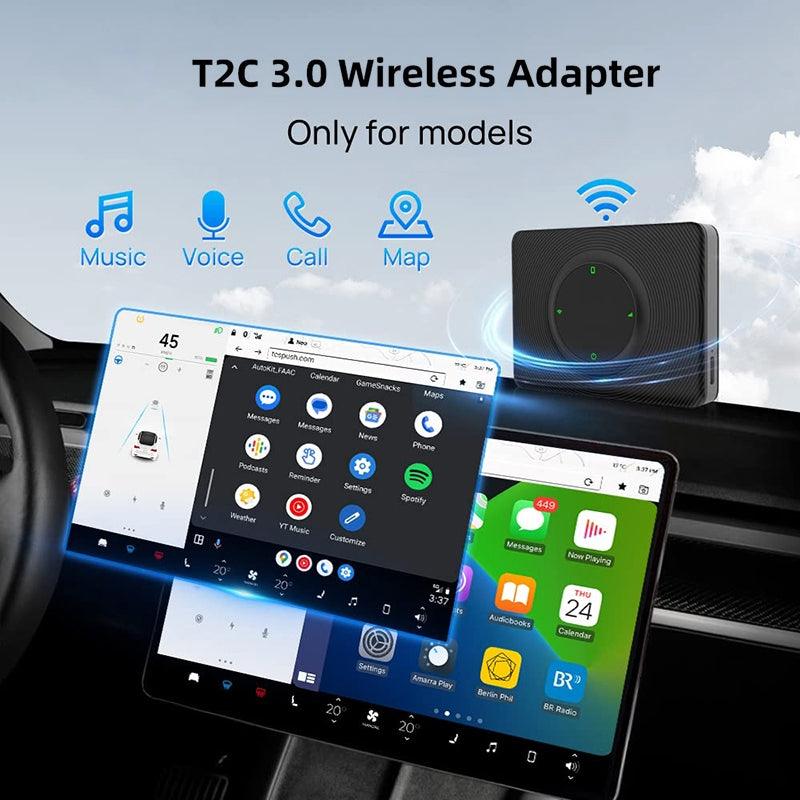
- Kompatibel Model: Geeignet für Tesla Model 3/Jahr (2018-2024)
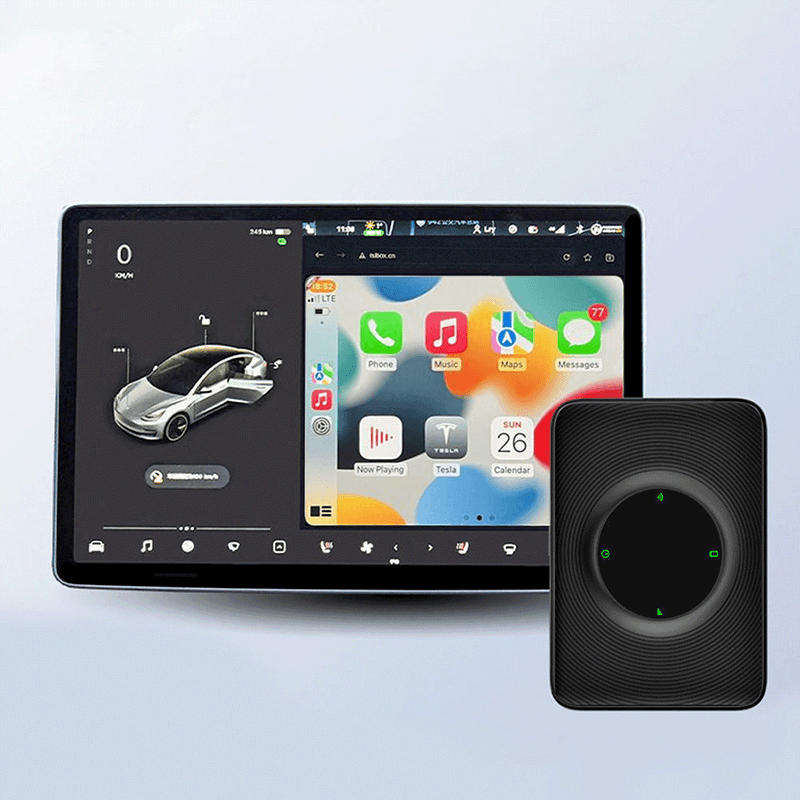
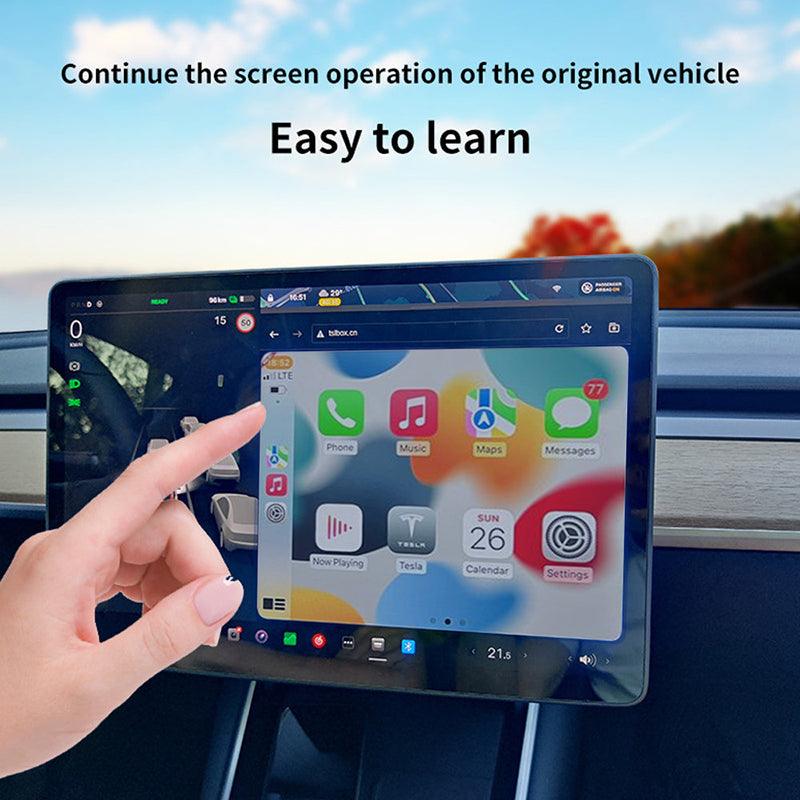
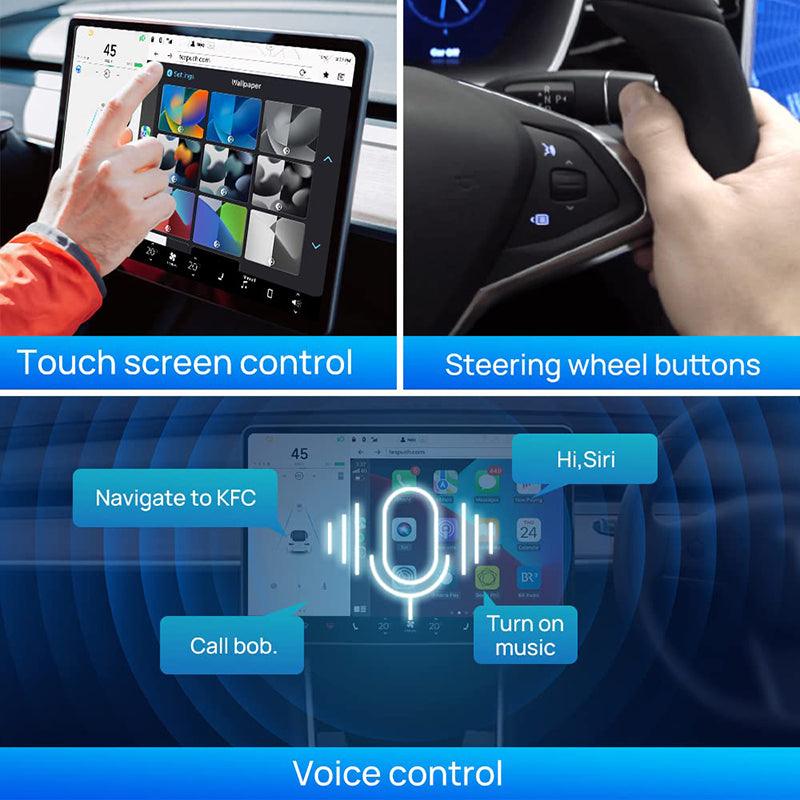
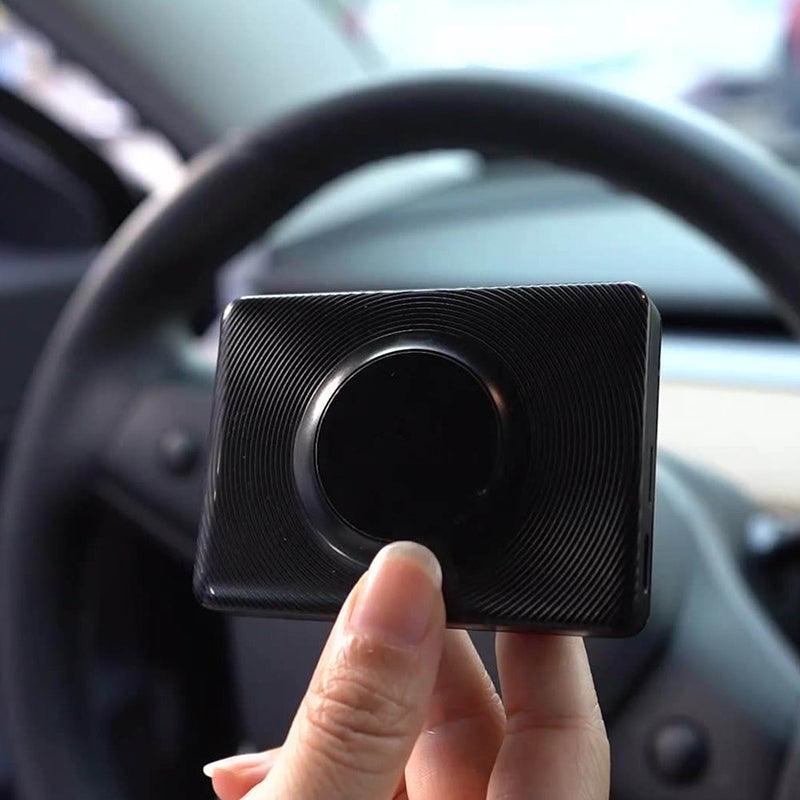
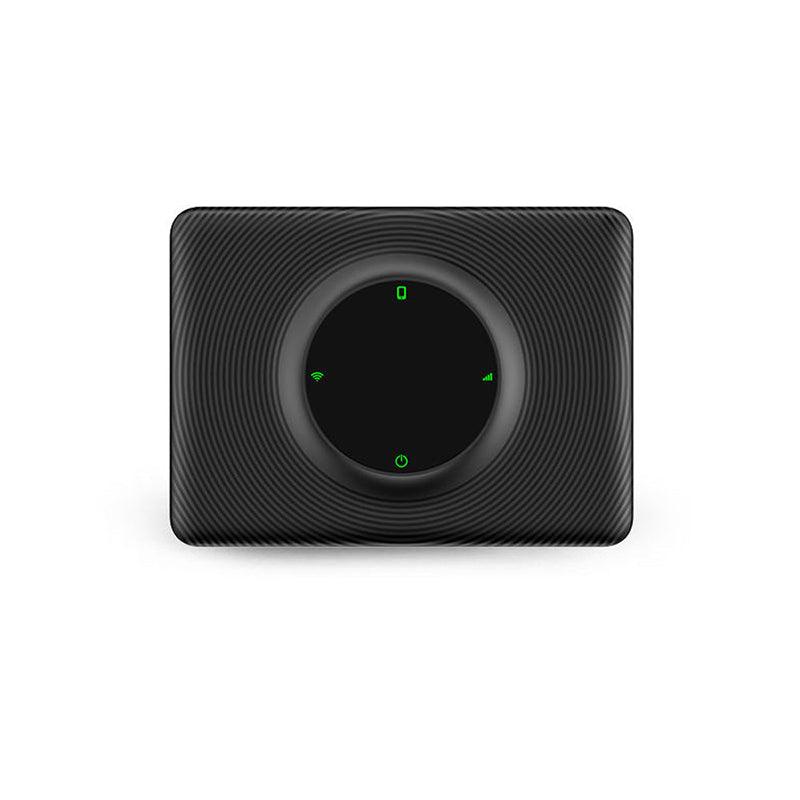
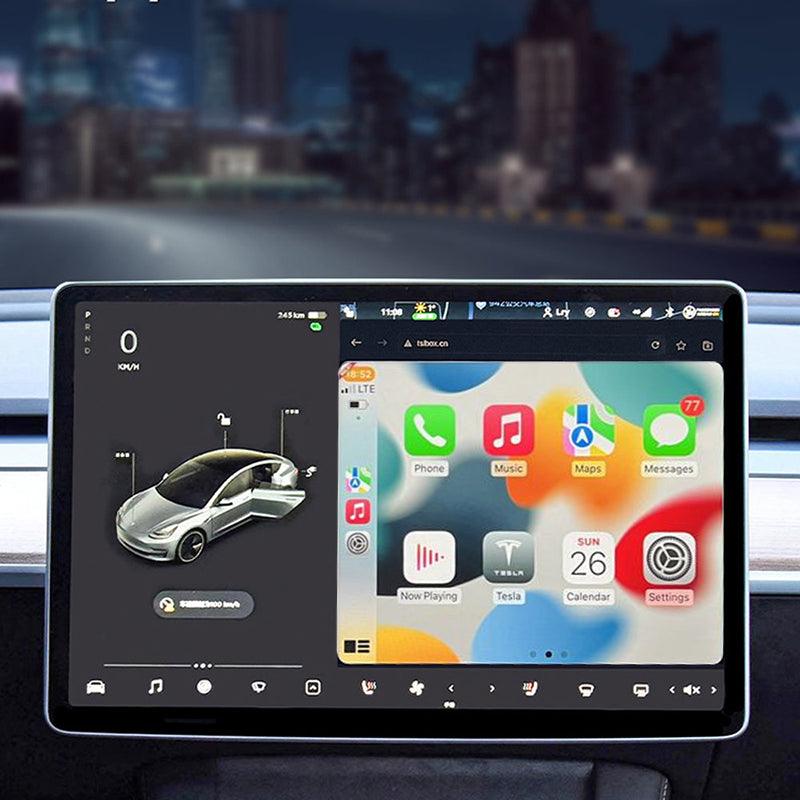
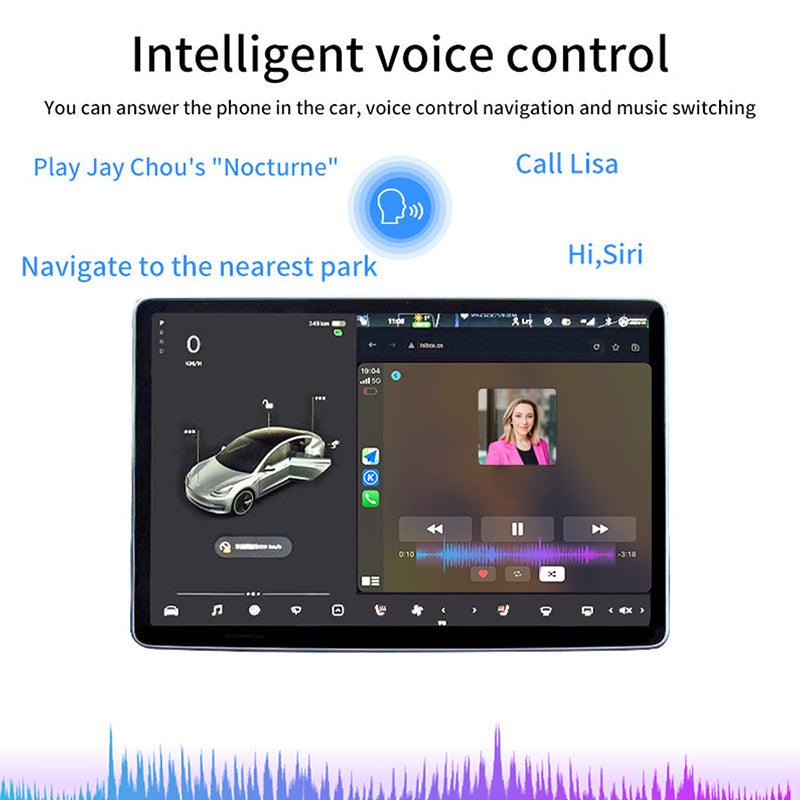
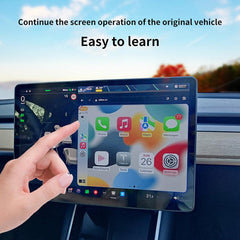
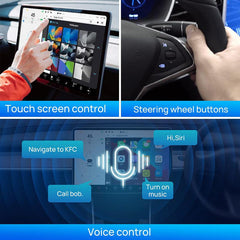
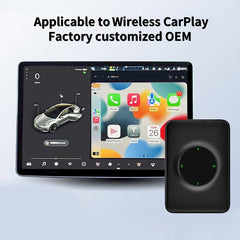
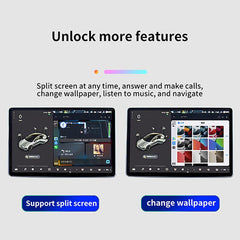
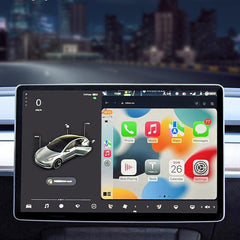
- Funktion: Carplay verbindet sich drahtlos mit Tesla Hauptbildschirm, aber wir haben auch einen SIM-Kartensteckplatz, wenn Sie eine SIM-Karte einlegen möchten, können Sie eine SIM-Karte verwenden, wenn Sie drahtloses Carplay verwenden möchten, können Sie eine Hotspot-Verbindung verwenden. Sie können Anrufe tätigen und Ihre Lieblings-APP, Navigation, Sat NAV und mehr verwenden, die auf Ihrem Tesla Hauptbildschirm.
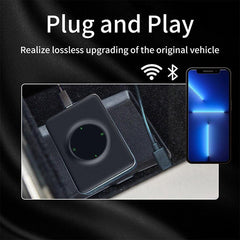
- Verbindungsmethode: Teilen Sie das WLAN des Telefons mit Carplay, verbinden Sie Ihr Tesla Mit dem USB-Kabel an das ECarplay anschließen und dann kabelloses Carplay genießen. Einfach und geldsparend! Drahtloser WIFI-Hotspot + Bluetooth, Übertragung zu Carplay über den WLAN-Hotspot des Mobiltelefons und Carplay-WIFI-Verbindungen zu Tesla Hauptbildschirm.
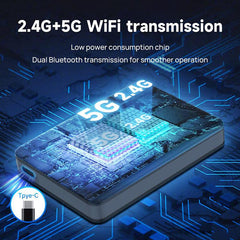
- Wenn Ihr Modelljahr vor 2018 liegt, müssen bei der Verwendung dieses Carplay die folgenden Bedingungen erfüllt sein: 1. Browserunterstützung ist erforderlich. WLAN-Unterstützung ist erforderlich (ältere Autos können möglicherweise nicht nach 5G-Signalen suchen, daher müssen Sie für die Verbindung des Mobilgeräts auf 2,4G umschalten).TeslaDer Browser muss auf Chrome 94 oder eine neuere Version aktualisiert werden.
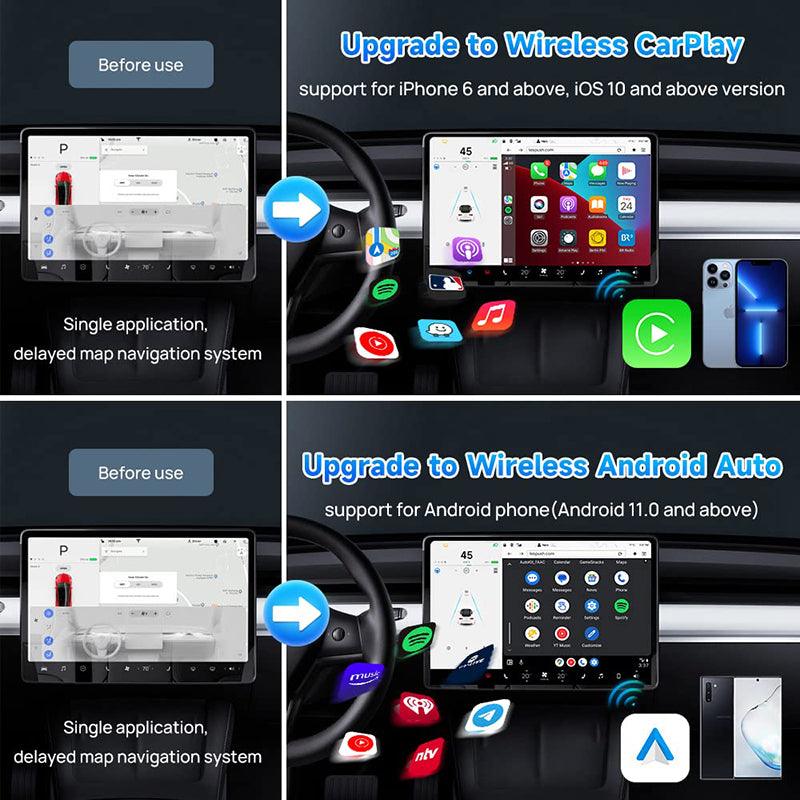
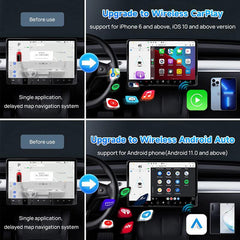
- Unterstützt iPhone 6 und neuere iOS 10 oder höher. Unterstützt Android-Telefone mit Android 11.0+.
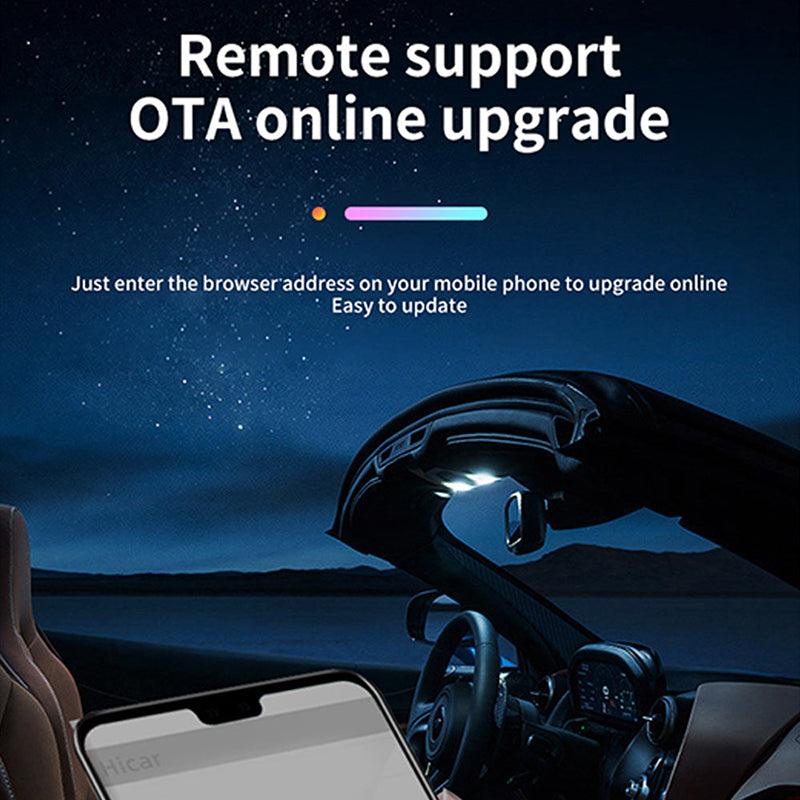
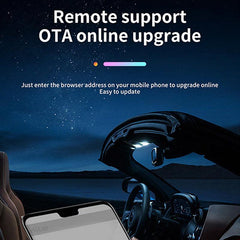
Notiz: 1-Tesla Fahrer sollten sich auf die Straße konzentrieren, auch wenn Tesla Autopilot-Modell ist aktiviert. 2. Für Upgrade-Versionen verwenden Sie bitte tespush.com zum Verbinden, nicht testbox.cn. 3. Wenn Sie es zum ersten Mal verwenden, stellen Sie die App im Telefon bitte so ein, dass Carplay zulässig ist. Klicken Sie auf App-Einstellungen – Allgemein – Carplay – MultiCarplay – Benutzerdefiniert – Wählen Sie die App aus, mit der Sie Carplay verwenden möchten. Senden Sie jetzt die neueste Upgrade-Version.

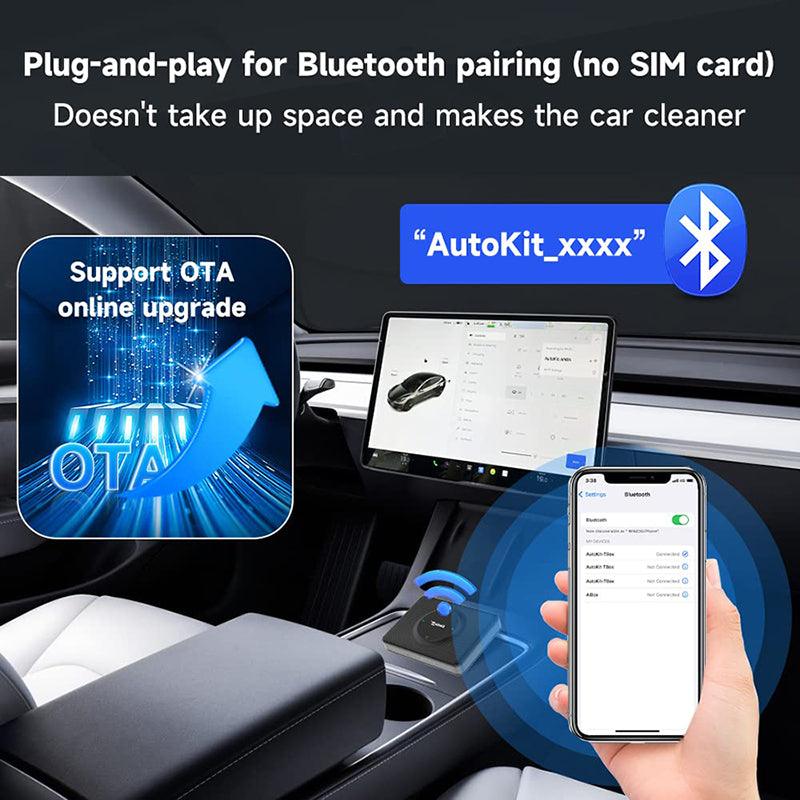
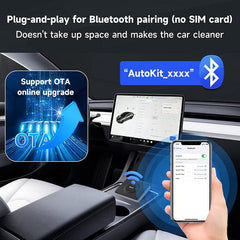
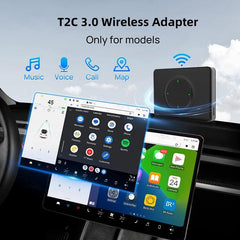
T2C 3.0 unterstützt die Bluetooth-Signalpaarungsverbindung, unterstützt jedoch keine Plug-in-SIM-Kartenverbindung

Wie erhalte ich die kabellose CarPlay-Funktion mit einem Apple-Telefon? (Bluetooth-Verbindung)

Wie bekomme ich drahtloses Android Auto mit einem Android-Telefon? (Bluetooth-Verbindung)


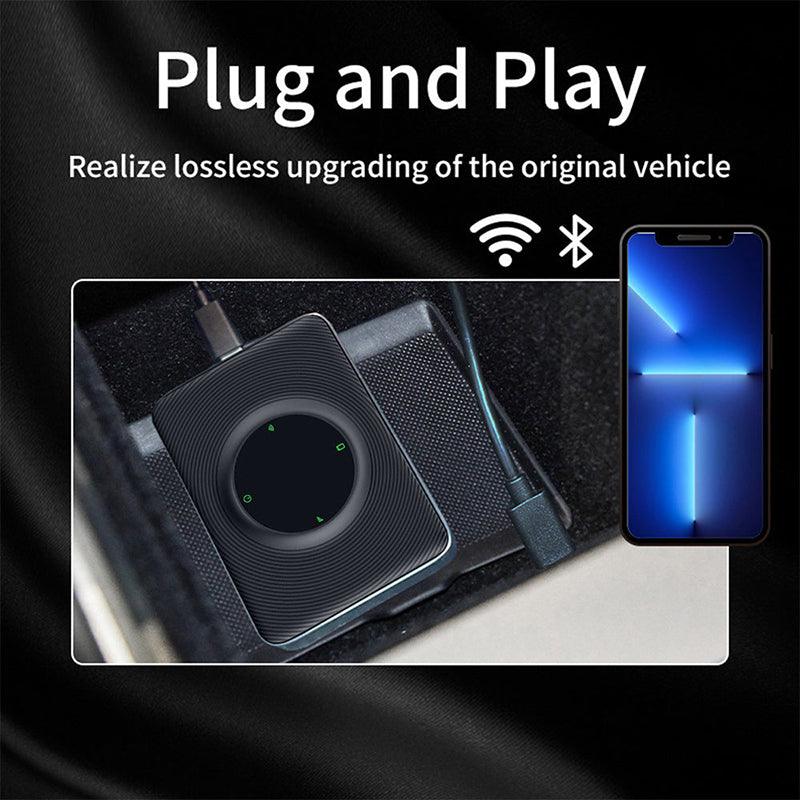
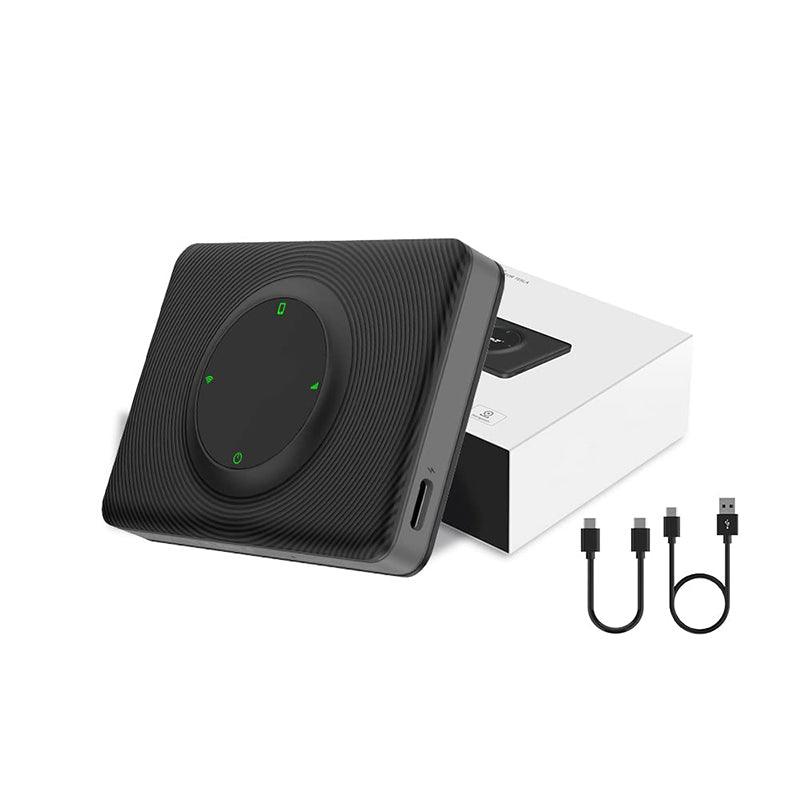
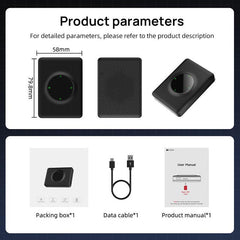
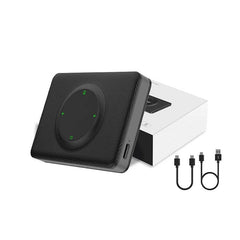
Paketliste: 1 * iOS Carplay Multimedia-Box 1 * USB-C-Kabel zum Anschluss an Ihr Auto 1 * Benutzerhandbuch
Shipping Policy
Shipping time depends on the product.
Free shipping on all orders $59+ worldwide!
For all orders under $59, the shipping fee is $7.99.
| Product Type | Handling Time | Shipping time |
| Fast Shipping Products | 0-1 calendar days | 3-6 calendar days |
| Standard Products | 1-2 calendar days | 6-12 calendar days |
| Customized Products | 3-5 calendar days | 6-12 calendar days |
We will make every effort to deliver your package ASAP. However, additional time may be required due to invalid addresses and custom clearance issues. We have many cooperative express companies, such as DHL, FedEx, UPS, and USPS. We will choose the most suitable mode of transportation for you according to your country.
Refund Policy
We have a 30-day return policy, which means you have 30 days after receiving your item to request a return.
To be eligible for a return, your item must be in the same condition that you received it, unworn or unused, with tags, and in its original packaging. You’ll also need the receipt or proof of purchase.
To start a return, you can contact us at support@evooor.com.
If your return is accepted, we’ll send you a return shipping label, as well as instructions on how and where to send your package. Items sent back to us without first requesting a return will not be accepted.
You can always contact us for any return question at support@evooor.com.
Damages and issues
Please inspect your order upon reception and contact us within 7 days if the item is defective, damaged or if you receive the wrong item, so that we can evaluate the issue and make it right. (Photos of defective or damaged products are required.)
Exchanges
The fastest way to ensure you get what you want is to return the item you have, and once the return is accepted, make a separate purchase for the new item.
European Union 14 day cooling off period
Notwithstanding the above, if the merchandise is being shipped into the European Union, you have the right to cancel or return your order within 14 days, for any reason and without a justification. As above, your item must be in the same condition that you received it, unworn or unused, with tags, and in its original packaging. You’ll also need the receipt or proof of purchase.
Return Fee
Customers are not required to pay for return shipping if a product is returned because it is "broken, missing, or wrong." If the product is returned due to "bought wrong, I don't want it anymore", the customer shall bear the return shipping cost, and the actual shipping cost will be deducted from the refund. In either case, there is no restocking fee for returns.
Refunds
We will notify you once we’ve received and inspected your return, and let you know if the refund was approved or not. If approved, you’ll be automatically refunded on your original payment method within 3 business days. Please remember it can take some time for your bank or credit card company to process and post the refund too.
If more than 15 business days have passed since we’ve approved your return, please contact us at support@evooor.com.
- Die Auswahl einer Auswahl führt zu einer vollständigen Seitenaktualisierung.